


A healthy vacuum has a steady, even hum. When it suddenly starts to rattle, clatter or shake, it is natural to worry that the motor is dying. The good news is that a vacuum cleaner making a rattling noise is very often caused by something simple: a small object stuck in the brush roll or hose, a loose bin or filter, or a worn belt.
This guide explains the most common causes, how to find where the noise is coming from, the step-by-step fixes, and the warning signs that mean it is time to stop using the machine. You will also learn what to look for in a quieter, better-built vacuum.
What Does Each Vacuum Noise Mean?
The type of sound gives you a strong clue about the cause. Before you start taking anything apart, match your noise to the guide below.
8 Reasons Your Vacuum Is Rattling
1. Debris Stuck in the Brush Roll Area
Small stones, pieces of gravel, coins, plastic bits or hard crumbs can get caught around the brush roll. As it spins, they bang against the housing and make a loud clatter.
Fix: Unplug the vacuum, turn it over, and remove the brush roll if your manual shows how. Pick out all debris, cut away tangled hair and spin the roller by hand to check it moves smoothly.
2. An Object Inside the Hose or Wand
If the rattle changes as you tilt or move the hose, something is probably rolling around inside it. It is often a small toy, a button or a pebble.
Fix: Detach the hose, hold it up to a light and shake it. Push a broom handle gently through to dislodge the item.
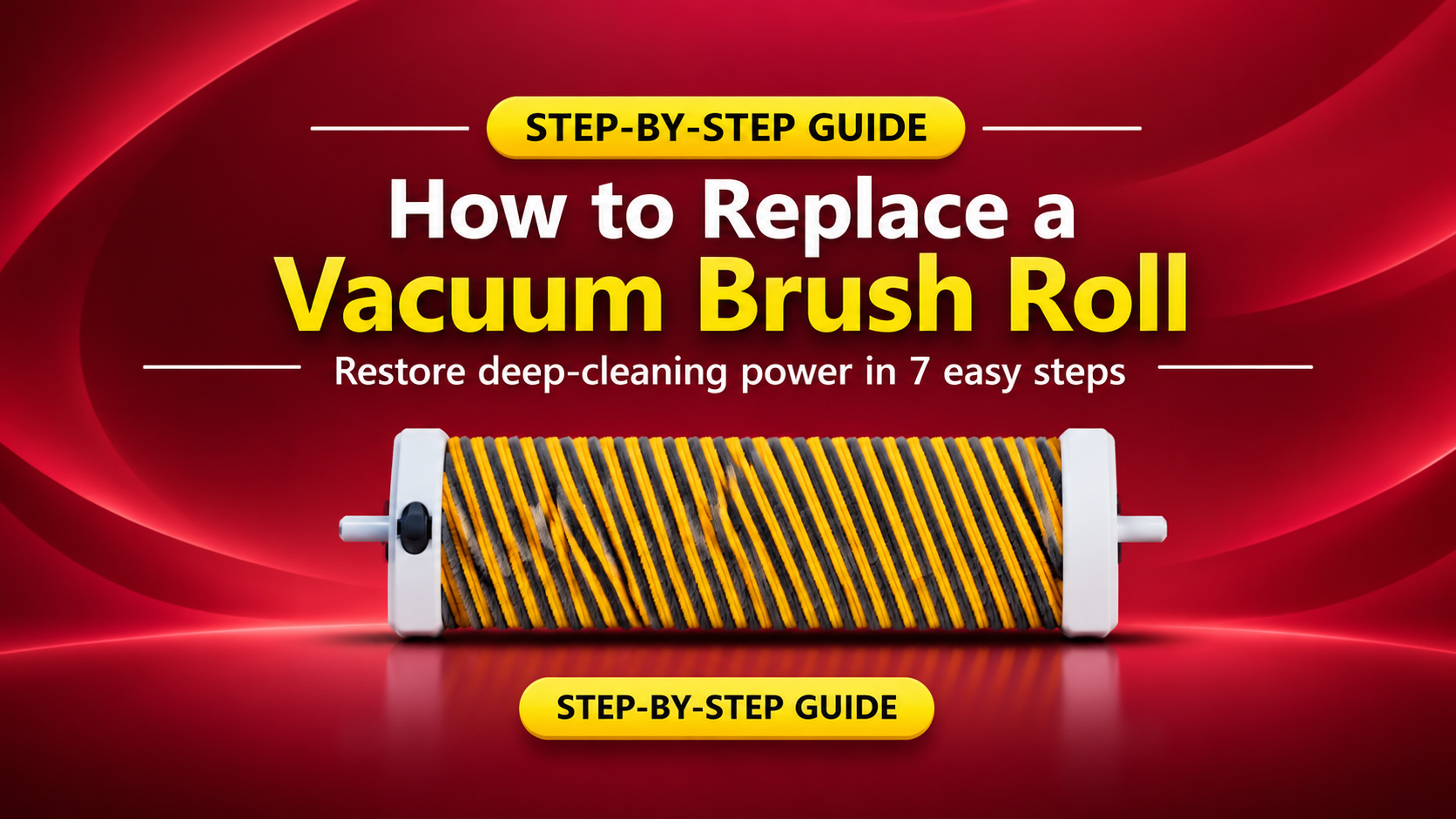
3. Loose Brush Roll or Worn End Caps
If the brush roll end caps or bearings are loose or worn, the roller wobbles as it turns and rattles against the plate.
Fix: Check that the end caps are firmly seated. If the roller wobbles or the bearings feel rough, replace the brush roll or the end caps.
4. Worn, Loose or Damaged Belt
On upright models, the belt connects the motor to the brush roll. A stretched or cracked belt can slap against the housing or slip, causing a slapping, squealing or rattling noise, and a smell of burning rubber.
Fix: Replace the belt every 6 to 12 months or as soon as it looks cracked, shiny or loose. Always use the belt type specified for your model.
5. Loose Screws or Panels
Vibration over time can loosen screws and covers. Loose plastic panels then buzz and rattle against each other while the vacuum runs.
Fix: Gently tighten visible screws with the correct screwdriver, taking care not to overtighten and crack the plastic.
6. Dust Bin, Filter or Cover Not Seated Properly
A dust bin that is not clicked in fully, a loose filter cage or a misaligned lid can rattle as air flows through. This often happens after emptying or washing parts.
Fix: Remove and refit the bin, filters and covers until each one clicks into place.
7. Damaged Fan or Impeller
The fan, also called the impeller, sits in front of the motor. If a hard object has passed through the vacuum, or the fan blades are cracked, it can cause a rattling or clicking noise from inside the machine and a loss of suction.
Fix: This is a job for a repair technician or someone confident working inside appliances. If the vacuum is old, replacement is often more economical.
8. Worn Motor Bearings
Motor bearings wear out over years of use. At first you may hear a light rattle or whirr, which later turns into a loud grinding or screeching sound.
Fix: Bearings are rarely a practical DIY repair. If the noise is coming from the motor itself, contact the manufacturer or consider replacing the vacuum, especially if it is out of warranty.
How to Find the Source of the Rattle
- Unplug the vacuum or remove the battery before touching any part.
- Do a shake test. Hold the vacuum body and shake it gently. A loose object or part will rattle.
- Check the hose and wand by looking through them and shaking them.
- Test the brush roll by spinning it by hand. It should turn freely without grinding.
- Refit the bin, filters and covers and tighten any loose screws.
- Run the vacuum without attachments on a hard floor to see whether the noise changes. A rattle that stops when the head is lifted points to the brush roll or belt.
Troubleshooting Table
| Symptom | Likely Cause | Solution |
|---|---|---|
| Clatter from the floor head | Debris in brush area | Remove debris, clean roller |
| Rattle changes with hose movement | Object in hose | Clear the hose |
| Slapping and burning rubber smell | Worn belt | Replace the belt |
| Buzzing panel | Loose screws or cover | Tighten and refit |
| Rattle at the bin | Bin or filter not seated | Click bin and filters in |
| Grinding from the motor | Worn bearings or damaged fan | Professional repair or replace |
When to Stop Using Your Vacuum Immediately
Switch off and unplug the vacuum straight away if you notice any of these signs:
- A burning smell or visible smoke.
- Sparks or flashes from the vents.
- A loud grinding or screeching from the motor.
- The housing feels extremely hot.
- Sudden loss of suction combined with the noise.
Continuing to run a damaged machine can burn out the motor and, in rare cases, create a fire risk.
How to Prevent Rattling Noises
- Check the floor for small hard objects before vacuuming.
- Empty the bin regularly and refit it securely.
- Remove hair from the brush roll every few weeks.
- Replace the belt and filters on schedule.
- Do not vacuum up nails, gravel, glass or large debris unless the vacuum is designed for it.
- Store the vacuum carefully and avoid dropping it.
- Check screws and covers every few months.
Should You Repair or Replace a Rattling Vacuum?
Simple fixes like removing debris, replacing a belt or tightening a screw cost little and are worth doing. If the noise comes from the motor, the repair would cost more than half the price of a new vacuum, or the machine is more than 8 to 10 years old, replacing it is usually the smarter option.
What to Look For in a Quieter, Better-Built Vacuum
- Low decibel rating: Many quiet models run at around 60 to 70 dB. Compare the rating before buying.
- Sturdy construction: Solid plastic, tight-fitting panels and quality latches reduce vibration.
- Brushless motor: Common in modern cordless vacuums, these motors are often quieter and last longer.
- Sound insulation: Some models use noise-dampening materials around the motor.
- Easy-access brush roll: Makes it simple to remove debris before it causes damage.
- Anti-tangle brush design: Reduces hair wrap, which causes vibration.
- Good warranty and spare parts: Belts, filters and brush rolls should be easy to buy.
If you are sensitive to noise, have a baby or pets, or live in an apartment, a quiet vacuum is well worth the investment.
Frequently Asked Questions
Why is my vacuum making a rattling noise all of a sudden?
A sudden rattle is usually caused by a small object in the brush roll, hose or bin, or by a loose part. Unplug the vacuum and check these areas first.
Is a rattling vacuum dangerous?
Not always, but you should stop using it if you notice a burning smell, smoke, extreme heat or a grinding sound from the motor.
Why does my vacuum rattle only on carpet?
This often points to the brush roll, belt or debris in the floor head, since these parts work harder on carpet.
Can a clogged filter cause rattling?
A clogged filter usually causes a whistling or high-pitched whine rather than rattling, but a loose filter can rattle. Clean it and make sure it is seated properly.
How much does it cost to fix a noisy vacuum?
Belts, filters and brush rolls are inexpensive. Motor repairs are costly and often not worthwhile on older machines.
How often should I replace the vacuum belt?
Usually every 6 to 12 months, or sooner with heavy use. Check your manual for your model.
Final Thoughts
A vacuum cleaner making a rattling noise is annoying, but it is rarely the end of the machine. Start by unplugging it, then check for debris in the brush roll and hose, make sure the bin and filters are seated, tighten loose screws and inspect the belt. If the noise comes from the motor or smells of burning, stop using it and seek repair or replacement. With regular care and a few simple checks, your vacuum will run smoothly and quietly for years.