







You pull the handle back, start vacuuming, and the moment you let go the whole machine tips over like a tired toddler. A Shark Navigator that won’t stay upright is one of the most common complaints about this popular vacuum, and it is usually fixable at home in under 30 minutes. This guide explains why it happens, how to diagnose it step by step, and when it makes sense to replace parts or the whole vacuum.
How the Shark Navigator Stays Upright
Understanding the mechanism makes every repair easier. The Navigator has a swivel neck at the base. A small spring-loaded lock latch catches the neck when you stand the handle straight, holding it in the “parked” position. When you press the foot release pedal and pull the handle back, the latch lets go so you can recline and vacuum. If the latch, spring, or pedal linkage does not engage, the handle simply keeps falling backward.
Quick Answer: Most Likely Causes
- Debris or hair jammed around the neck pivot or pedal.
- Dust cup or Lift-Away pod not fully clicked into place, which shifts the weight.
- Worn or cracked plastic latch that no longer grips the neck.
- Weak, stretched, or popped-out spring inside the lock.
- Loose or missing screws in the base housing.
- Full dust cup or heavy accessories making the top of the machine too heavy.
Before You Start: Safety and Tools
Unplug the vacuum and empty the dust cup before any inspection. Wear gloves if the machine is dirty. For most fixes you only need:
- A Phillips screwdriver (usually #2)
- A small flathead screwdriver or plastic pry tool
- Tweezers or needle-nose pliers
- Scissors for cutting tangled hair
- A soft brush and a few drops of silicone-based lubricant
- A phone camera, so you can photograph each step before disassembly
Step-by-Step Troubleshooting
Step 1: Reseat the Dust Cup and Pod
On Lift-Away models such as the NV350 and NV360 series, the canister must lock firmly into the body. If it sits slightly crooked, the weight distribution changes and the handle can drift. Remove the dust cup, wipe the seating area, and push everything back until you hear a clear click. Then test the handle again.
Step 2: Empty the Dust Cup and Check the Weight
A full cup, a clipped-on tool bag, or hanging accessories can overload the top. Empty the cup past the max line and remove anything attached to the handle. Sometimes the lock is fine and the machine was just top-heavy.
Step 3: Clean the Neck Pivot and Pedal Area
Tip the vacuum back on a soft surface and look at the joint where the neck meets the base. Pet hair, thread, and carpet fibers collect here and stop the latch from snapping into place. Cut away anything wrapped around the pivot, brush out dust, and press the pedal several times to confirm it moves freely and springs back.
Step 4: Inspect the Lock Latch
Press the pedal and watch the latch. It should move out of the way, then drop back into its slot when the handle is upright. Look for these signs of wear:
- Rounded or chipped edges on the latch hook
- Hairline cracks in the plastic
- A latch that does not return after you release the pedal
A worn latch is the single most common reason a Navigator stops staying upright after a few years of use.
Step 5: Check the Spring
If the pedal feels loose or floppy, the spring may have slipped off its post or stretched. Remove the base screws, open the housing carefully, and look for the small coil spring near the latch. Re-seat it on its peg with tweezers. If it is visibly stretched or rusted, replace it.
Step 6: Tighten Screws and Inspect the Housing
Loose screws let the housing flex, which misaligns the latch. Tighten every visible screw, but do not over-torque because the plastic threads strip easily. Check the base for cracks, particularly around the neck. A split housing usually means the part needs replacing.
Step 7: Lubricate Lightly
Add a drop of silicone lubricant to the pivot and the latch contact point. Avoid oil-based sprays, since they attract dust and can make the problem return within weeks.
Repair Options Compared
| Problem | Fix | Difficulty | Typical Cost |
|---|---|---|---|
| Debris in pivot | Clean and lubricate | Easy | Free |
| Pod not seated | Reseat until it clicks | Easy | Free |
| Loose screws | Tighten gently | Easy | Free |
| Popped or weak spring | Reseat or replace spring | Moderate | Low |
| Worn or broken latch | Replace lock or neck assembly | Moderate | Low to medium |
| Cracked base housing | Replace base or vacuum | Hard | Medium to high |
Replacement Parts Worth Having
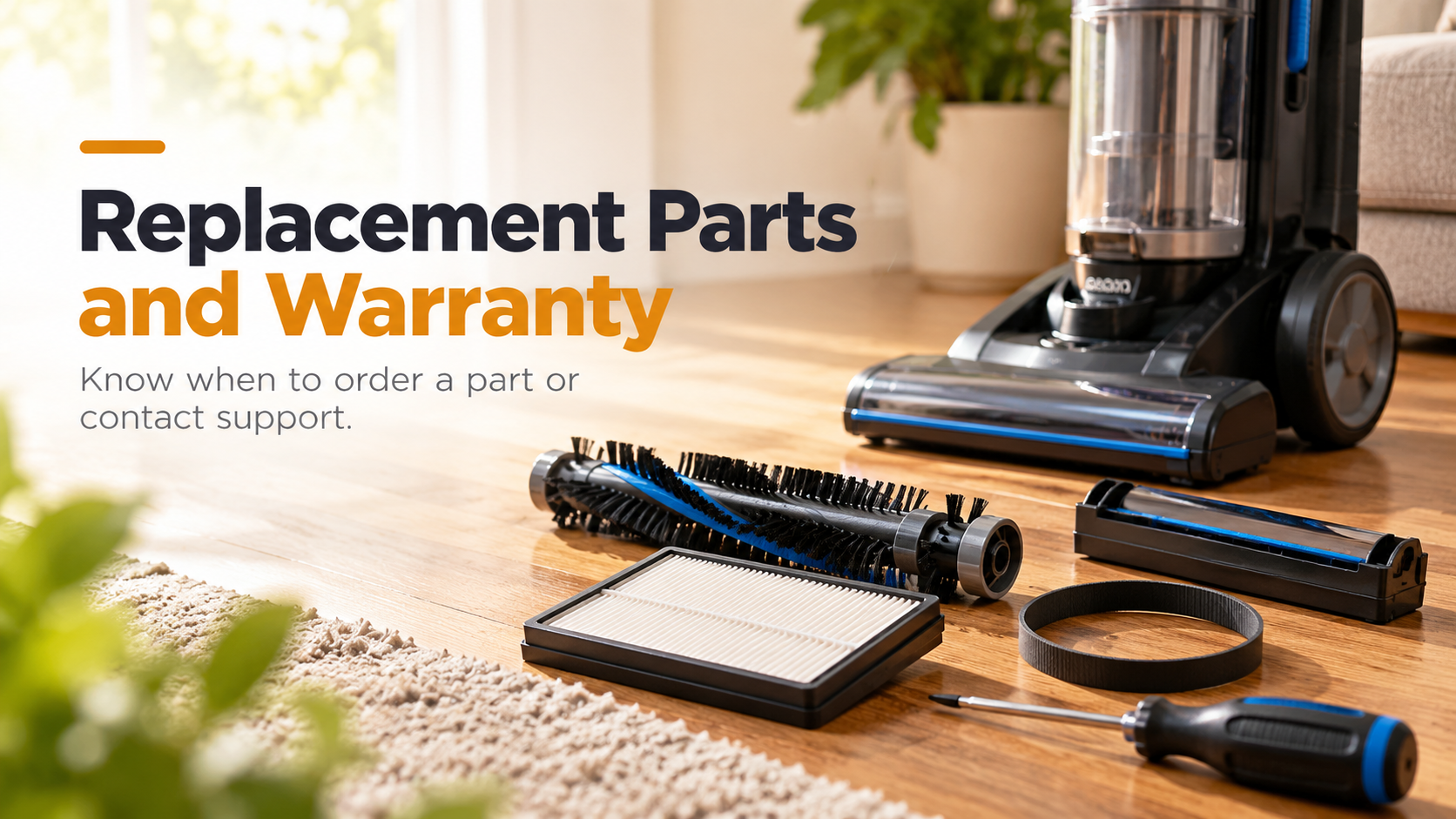
If cleaning does not solve it, these are the parts to look for. Always match the part to your exact model number, printed on the rating label under the dust cup or on the back of the unit.
- Upright lock or latch kit for your model
- Foot pedal and spring set
- Neck or swivel assembly when the pivot itself is cracked
- Replacement screws in the correct size
- Silicone lubricant for long-term smooth movement
Warranty and Repair Tips
Shark vacuums commonly carry a limited warranty, often five years on many Navigator models, but terms differ by model and region. Check your paperwork before opening the machine, since disassembly can complicate a claim. If the vacuum is still covered, contact Shark support first. If it is out of warranty, DIY repair is usually the cheapest route.
When to Repair and When to Replace
Repair if the issue is debris, a loose screw, a popped spring, or a single worn latch, since these are cheap and quick. Replace the vacuum if the base housing is cracked, the motor is also failing, suction has dropped sharply, or the combined cost of parts approaches half the price of a new unit. If you do buy new, look for a model with a firm, positive-click upright lock and read recent owner reviews for lock durability.
How to Prevent the Problem in the Future
- Empty the dust cup before it reaches the max line.
- Cut hair from the brush roll and pivot every few weeks.
- Never kick the pedal hard, and press it smoothly.
- Do not hang bags or heavy tools from the handle.
- Store the vacuum on a level floor, not leaning against furniture.
- Tighten base screws twice a year.
Frequently Asked Questions
Why does my Shark Navigator fall backward when I let go?
The upright lock is not catching. Common reasons are debris around the pivot, a worn latch, a weak spring, or a pod that is not fully seated.
Can I fix a Shark Navigator that won’t stay upright myself?
Yes, in most cases. Cleaning, reseating parts, and tightening screws solve many cases, and swapping a latch or spring needs only a screwdriver.
Is it normal for the handle to recline a little when parked?
A tiny amount of play can be normal, but the vacuum should stand on its own without drifting backward.
How much does it cost to fix?
Many fixes are free. Small parts such as latches and springs are generally inexpensive compared with a new vacuum.
Will lubricating the pedal help?
A small amount of silicone lubricant can help a sticky pivot, but it will not repair a broken latch.
Final Thoughts
A Shark Navigator that won’t stay upright is annoying, yet it rarely means the vacuum is finished. Start with the simple checks: reseat the pod, clear the pivot, and tighten screws. If the problem remains, inspect the latch and spring, and replace whichever part has worn out. With a little patience your Navigator can stand straight again and keep cleaning for years.