




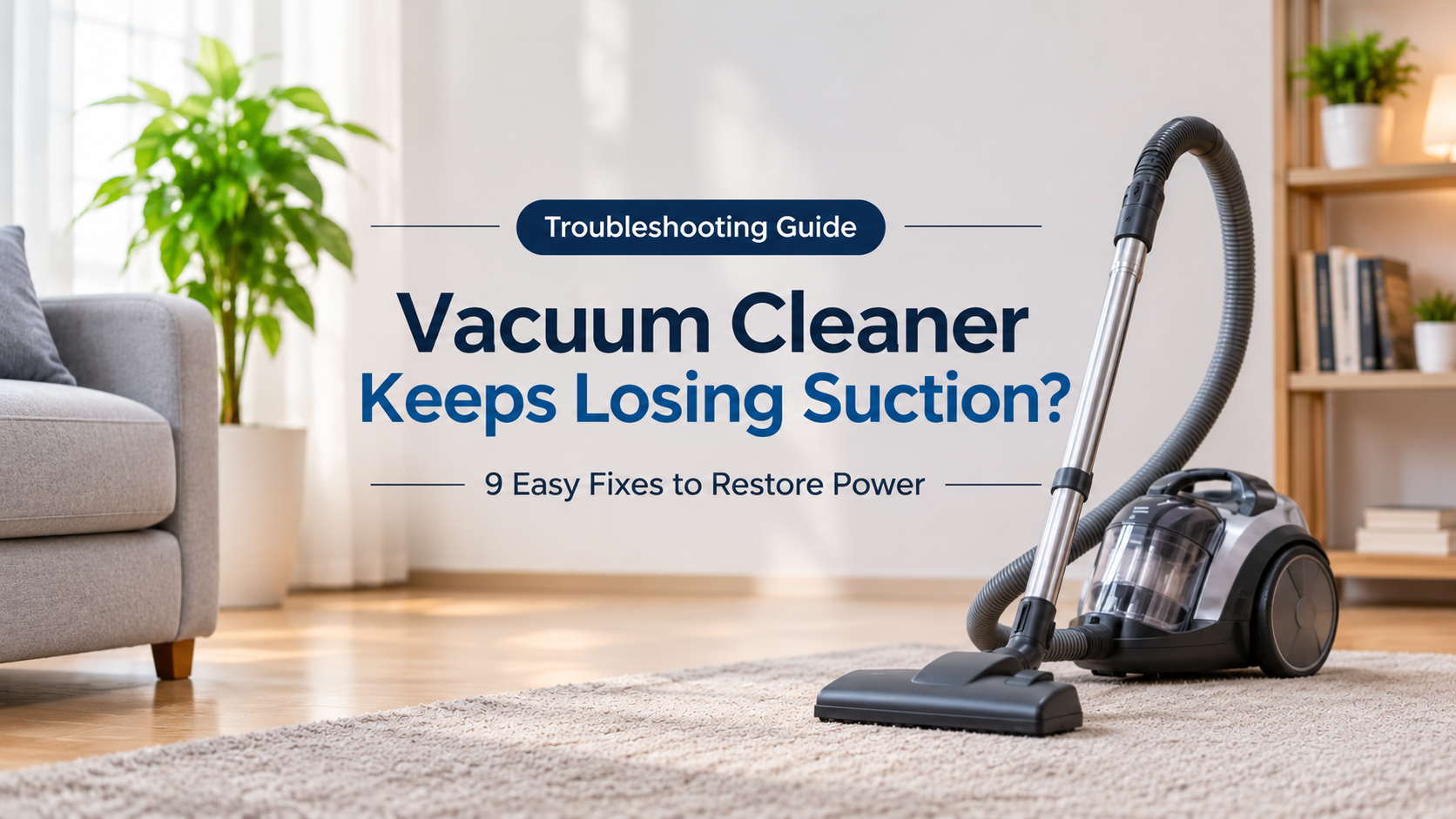
There are few household annoyances worse than pushing your vacuum across the carpet and realizing it is barely picking anything up. If your vacuum cleaner keeps losing suction, you are not alone. It is one of the most common complaints among owners of upright, canister, robot, and cordless models alike.
The good news: in roughly nine out of ten cases the problem is a simple blockage, a dirty filter, or a worn part, not a dead motor. This guide walks you through every common cause, shows you how to diagnose it in minutes, and explains when it makes more sense to replace the machine.
How Vacuum Suction Actually Works
A vacuum cleaner is basically a fan that pulls air through a sealed path. Dirt rides in with the airflow and is trapped by a bag, cyclone, or filter, while cleaned air exits through the exhaust. Suction depends on airflow, so anything that restricts or leaks air along this path reduces performance.
Quick Diagnosis Table
| Symptom | Likely Cause | Fix Difficulty |
|---|---|---|
| Suction drops fast after starting | Full bin/bag or clogged filter | Easy |
| Weak suction at the floor head only | Tangled brush roll or blocked intake | Easy |
| Hissing or whistling sound | Air leak in hose or seal | Moderate |
| Brush roll not spinning | Broken or stretched belt | Moderate |
| Cordless unit cuts out or weakens | Aging battery | Easy to Moderate |
| Burning smell, loud grinding | Motor or bearing failure | Replace or repair |
9 Reasons Your Vacuum Keeps Losing Suction (and How to Fix Each)
1. A Full Dustbin or Bag
Most vacuums lose noticeable power once the bin passes the “max” line, and bagged models slow down well before the bag looks full because fine dust clogs the pores. Fix: Empty the bin after every use, and replace bags when they are about two-thirds full.
2. Dirty or Clogged Filters
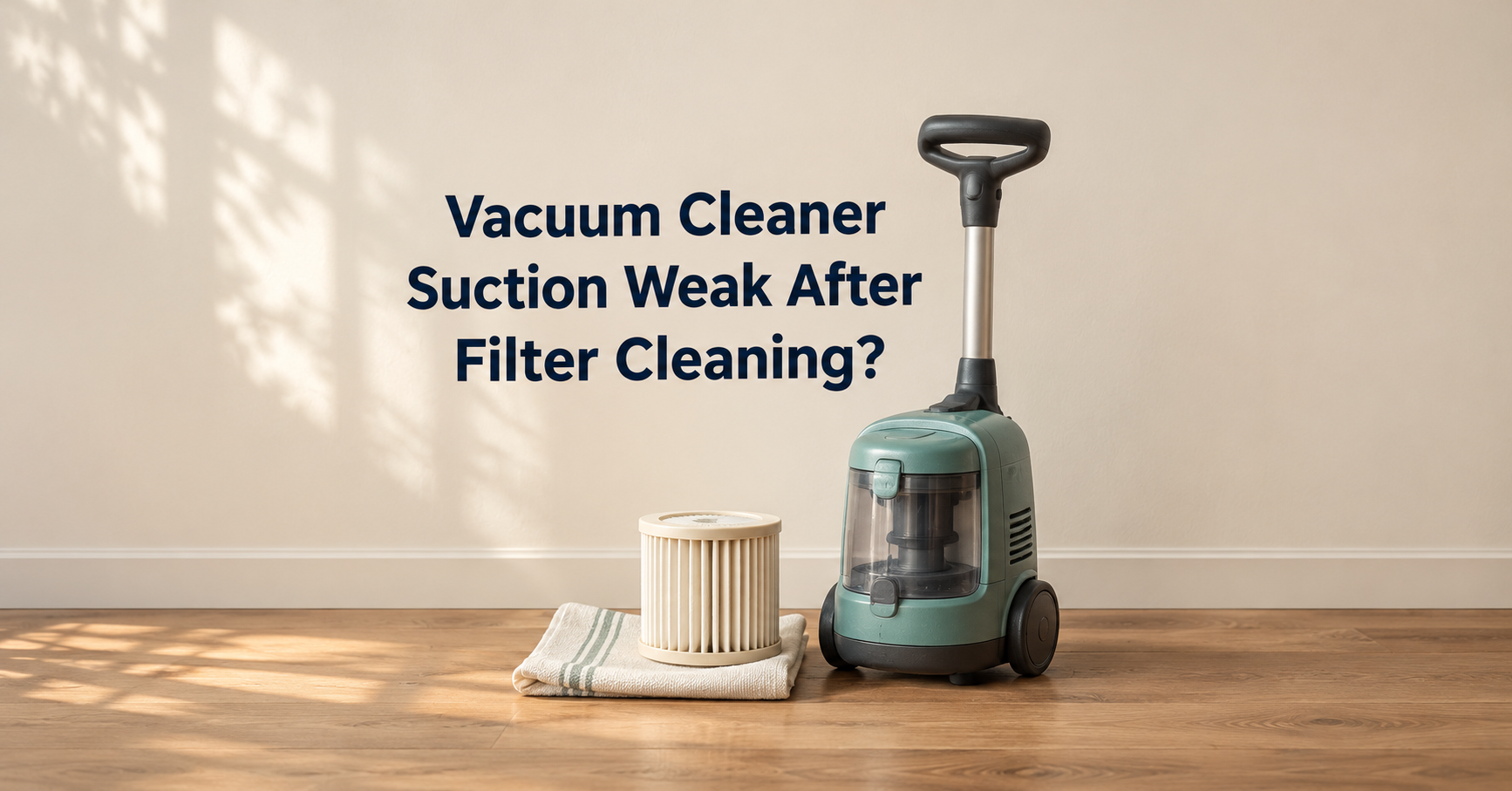
Filters trap fine dust, but once they are saturated, air cannot pass. This is the number one cause of gradual suction loss. Fix: Tap out foam and felt filters, rinse washable ones with cold water (no soap), and let them dry for a full 24 hours before reinstalling. Replace HEPA filters every 6 to 12 months, and never run the machine without a filter.
3. Blocked Hose or Wand
Socks, pet hair, paper, and dust balls often lodge in the hose bend or wand joint. Fix: Detach the hose and look through it toward the light. Push a broom handle gently through it, or flush it with water and dry completely.
4. Tangled Brush Roll
Hair and string wrap around the roller, slowing it and jamming the airflow at the floor head. Fix: Unplug the vacuum, cut the tangles with scissors, pull them free, and clean the bearings at both ends.
5. Air Leaks
Cracked hoses, loose connections, and worn gaskets let air escape before it reaches the dirt container. A whistling sound is the clue. Fix: Reseat every attachment until it clicks, wrap small cracks with strong tape as a temporary repair, and replace damaged hoses or gaskets.
6. Worn or Broken Belt
On upright models, the belt spins the brush roll. A stretched or snapped belt means poor agitation and the vacuum seems weak even if suction is fine. Fix: Replace the belt every 6 to 12 months with the correct model-specific part.
7. Overfilled Cyclone or Clogged Pre-Filter
Bagless cyclone vacuums depend on spinning air to separate dust. Fine dust coats the cyclone walls and the mesh screen. Fix: Wipe the cyclone chamber and mesh pre-filter with a dry brush or cloth.
8. Weak or Old Battery (Cordless Models)
Lithium-ion batteries lose capacity after 300 to 500 charge cycles. Suction fades or the unit switches to low power. Fix: Fully charge the battery, clean the contacts, and replace the pack if runtime has dropped sharply.
9. Motor Wear or Failure
If every other part is clean and the vacuum still lacks power, burns dust, smells hot, or makes a grinding noise, the motor may be failing. Fix: Compare repair costs with replacement. On budget models, replacing is usually the smarter choice.
Step-by-Step Troubleshooting Routine
- Unplug the machine or remove the battery.
- Empty the bin or swap the bag.
- Inspect and clean all filters (pre-motor, post-motor, HEPA).
- Check the hose and wand for blockages and cracks.
- Clean the brush roll and check the belt.
- Reassemble and make sure every part clicks securely.
- Test the suction by holding your palm over the hose end. You should feel firm pull.
Maintenance Schedule to Prevent Suction Loss
- After every use: empty the dustbin.
- Monthly: clean the brush roll, wipe the hose, rinse washable filters.
- Every 3 months: inspect the seals, belt, and attachments.
- Every 6 to 12 months: replace the HEPA filter and belt.
Common Mistakes That Kill Suction
- Vacuuming up wet messes, fine drywall dust, or ash without suitable equipment.
- Reinstalling filters that are still damp, which causes clogging and odors.
- Using the wrong height setting for thick carpet or bare floors.
- Buying cheap non-compatible replacement filters and belts.
- Ignoring small odd noises until the motor overheats.
Repair or Replace? How to Decide
Repair if the vacuum is under five years old and the problem is a belt, filter, hose, or battery. Consider replacing if the motor is failing, the repair costs more than half the price of a new unit, or the machine is more than eight years old and has repeated issues.
What to Look for in a New Vacuum Cleaner
If your current machine is beyond saving, choose a model designed to hold suction over time. Compare these features:
- Sealed HEPA filtration: keeps dust in the machine and protects the motor.
- Washable, easy-access filters: simpler maintenance means steadier suction.
- Anti-tangle brush roll: essential for homes with pets or long hair.
- Consistent airflow design: look for models rated to keep suction as the bin fills.
- Removable, replaceable battery (cordless): extends the machine’s lifespan.
- Warranty and spare-parts availability: five years or more is a good sign.
- Floor type match: uprights for large carpets, stick vacuums for quick cleanups, robots for daily upkeep, canisters for stairs and mixed floors.
Frequently Asked Questions
Why does my vacuum lose suction after a few minutes?
This is usually caused by a clogged filter or full dust container that restricts airflow once the machine warms up and fills.
Can a clogged filter damage the motor?
Yes. Restricted airflow makes the motor overheat, which shortens its lifespan and may trigger thermal cut-offs.
How often should I replace vacuum filters?
Wash reusable filters monthly and replace them every 6 to 12 months, or sooner with pets and heavy use.
Why does my cordless vacuum lose power quickly?
Battery aging, a clogged filter, or running in max mode are the usual reasons. Clean the filter first, then evaluate the battery.
Why does my robot vacuum have weak suction?
Check the dustbin, filter, side brush, and main roller for debris, and clean the suction inlet.
Final Thoughts
When a vacuum cleaner keeps losing suction, the cause is almost always something simple: a full bin, a dirty filter, a hidden clog, or an air leak. Follow the troubleshooting routine above, build a basic maintenance habit, and your machine can perform like new for years. If it is truly worn out, choose a replacement with washable filters, strong sealing, and available spare parts so you do not face the same problem again.