







Vacuum Cleaner Not Picking Up Dirt? 9 Fixes That Work

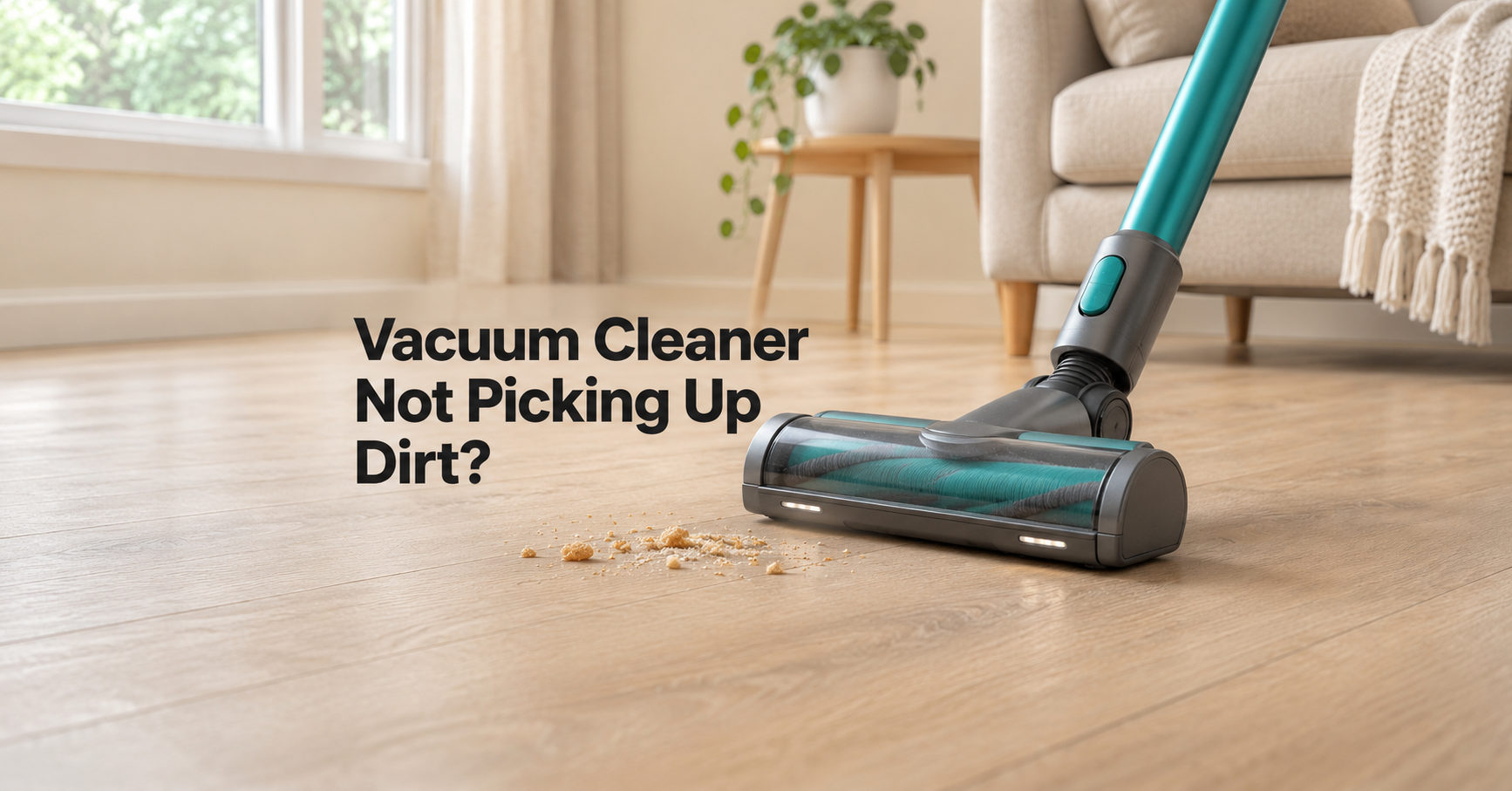
You push your vacuum across the carpet, turn around, and the crumbs are still sitting right where you left them. If your vacuum cleaner is not picking up dirt, you are not alone. It is one of the most common household appliance complaints, and the good news is that in most cases it is a simple maintenance problem rather than a dead machine.
In this guide you will learn how a vacuum actually picks up dirt, the nine most common reasons suction or cleaning performance drops, and exactly how to fix each one. You will also find a quick checklist, a maintenance schedule, a troubleshooting table for different vacuum types, and advice on when it is smarter to replace the machine.
Quick Answer: Why Is My Vacuum Not Picking Up Dirt?
In the vast majority of cases the cause is one of these:
- A full dust bin or bag that has choked the airflow.
- Clogged or dirty filters that block air from reaching the motor.
- A blockage in the hose, wand, or intake.
- A tangled or worn brush roll that can no longer loosen dirt from the floor.
- Air leaks from cracked hoses, loose attachments, or damaged seals.
- A weak battery (cordless models) or a failing motor.
Work through the sections below in order. Most people solve the problem within the first four steps and without spending any money.
How a Vacuum Cleaner Picks Up Dirt
To fix a vacuum, it helps to understand what it needs to do its job. A vacuum relies on two things working together:
- Agitation. The brush roll (also called a beater bar) spins and loosens dirt, hair, and debris from carpet fibers or hard floors.
- Airflow. The motor drives a fan that pulls air, and the loosened dirt with it, through the floor head, along the hose or wand, into the dust bin or bag, and through the filters before the clean air is released.
If either agitation or airflow is reduced, cleaning performance falls. Because the whole system is one connected path, a problem at any single point, such as a clogged filter, weakens suction everywhere else.

Safety First Before You Start
Before you inspect, clean, or open any part of your vacuum, switch it off and unplug it. For cordless and robot models, remove the battery if it is removable, or at least switch the machine fully off. Brush rolls can spin suddenly, and you will also be handling sharp debris like staples, glass shards, or hair tangled around metal. Wearing a pair of thin gloves is a sensible precaution.
9 Common Reasons Your Vacuum Is Not Picking Up Dirt (and How to Fix Them)
1. The Dust Bin or Bag Is Full
Why it happens: As the bin or bag fills, air has less room to move and less space to drop dirt. Many bagless models lose noticeable suction well before the bin looks completely full. Bagged vacuums also lose suction as the bag pores clog with fine dust.
The fix:
- Empty a bagless bin after every use, or at the very latest when dirt reaches the maximum fill line.
- Replace a bag once it is about two-thirds full, or sooner if you vacuum a lot of fine dust.
- Tap the bin gently to release compacted dust stuck to the walls, and wipe the inside with a dry cloth.
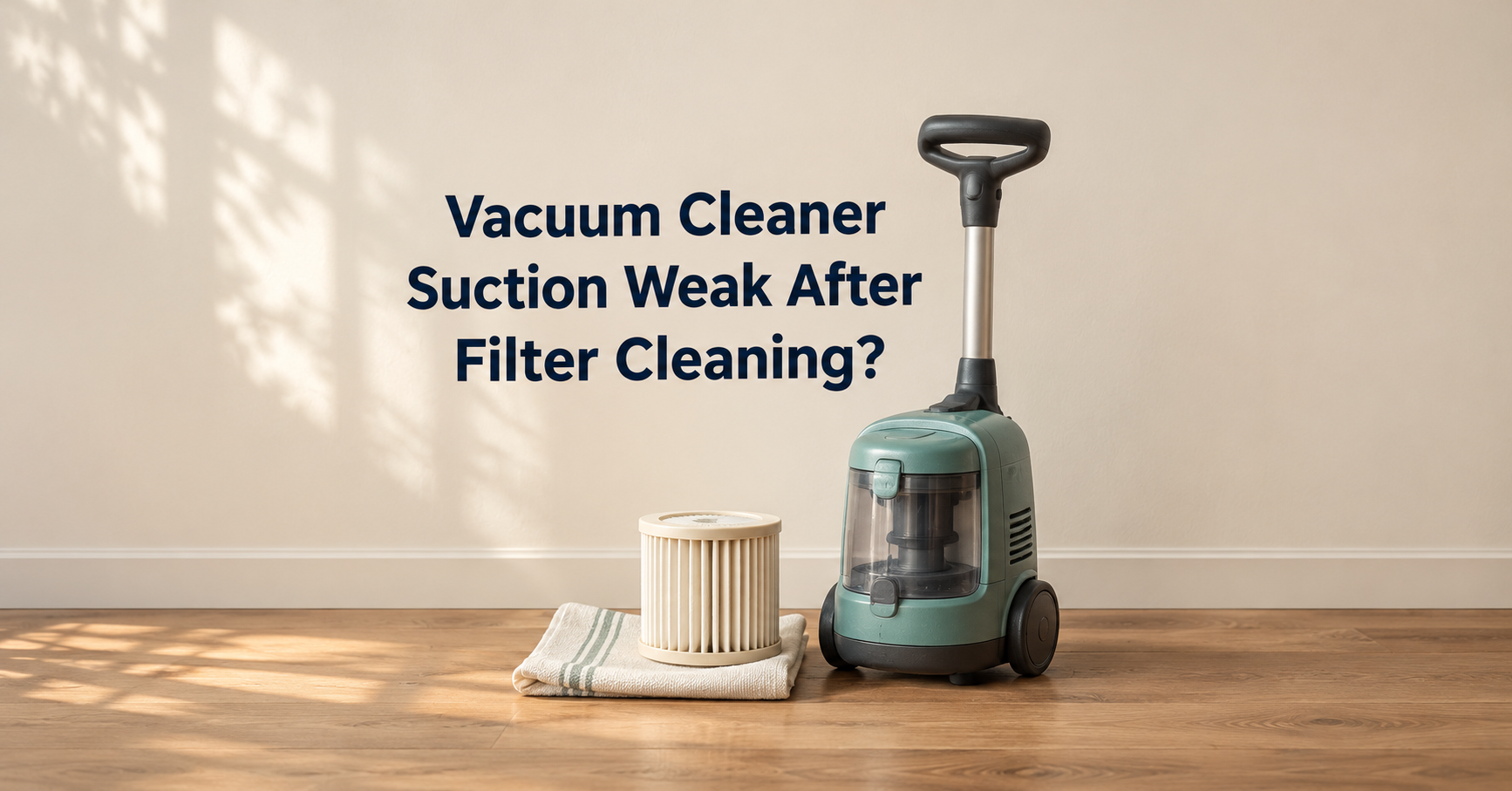
2. Clogged or Dirty Filters
Why it happens: Filters trap fine dust so it does not blow back into your room or damage the motor. Over time they fill up, and a clogged filter restricts airflow dramatically. This is one of the most overlooked causes of weak suction.
The fix:
- Check your manual to find every filter in the machine. Many vacuums have a pre-motor foam filter and a post-motor or HEPA filter.
- If the filter is labeled washable, rinse it under cool running water until the water runs clear. Do not use soap unless the manufacturer says it is safe.
- Let it dry completely, usually at least 24 hours, before putting it back. A damp filter can cause bad smells and can damage the motor.
- If the filter is not washable, tap out the loose dust and replace it on the schedule recommended by the manufacturer. A common guideline is every three to six months, but this varies by model and how often you vacuum.
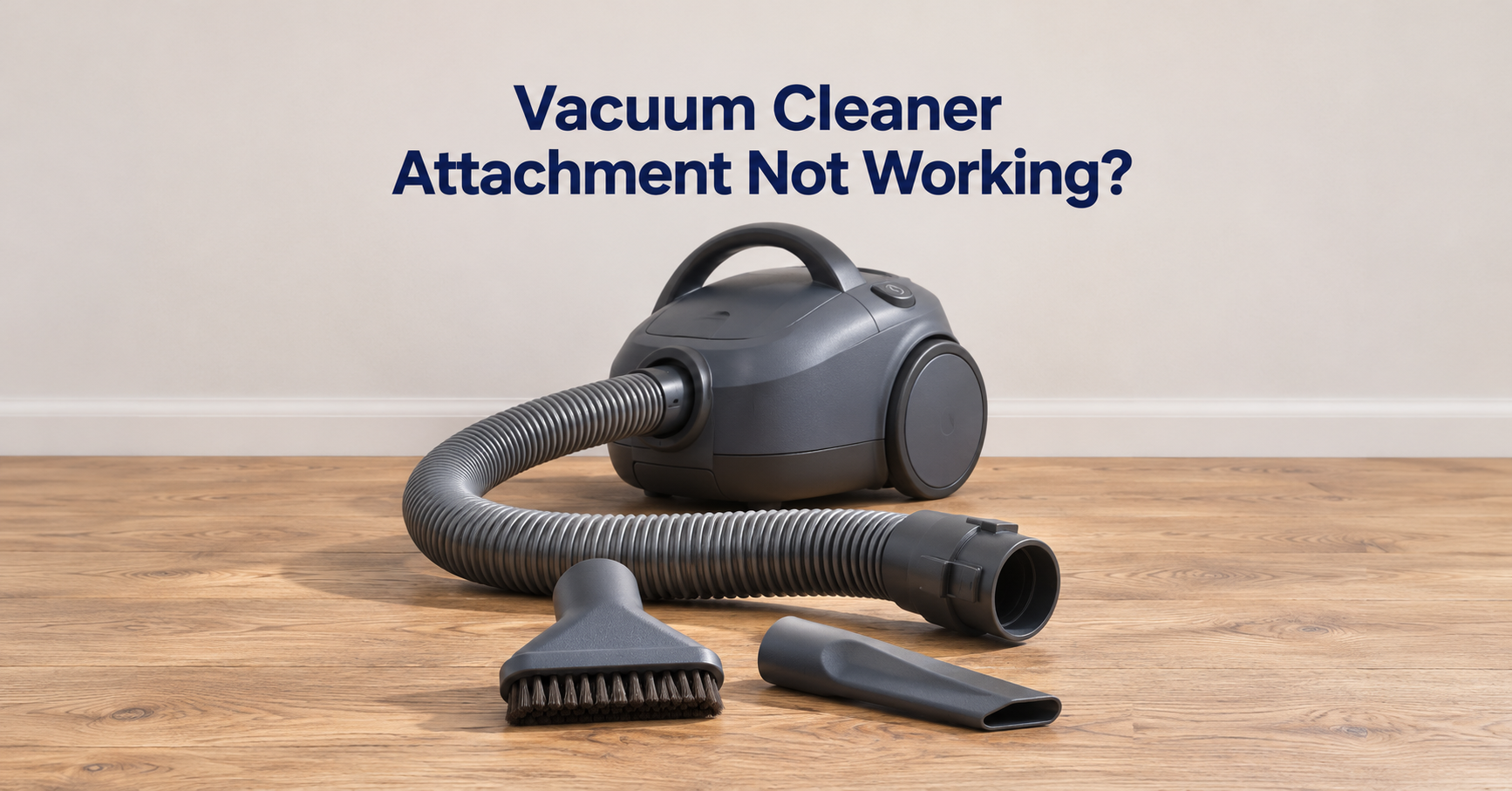
3. A Blockage in the Hose, Wand, or Intake
Why it happens: Socks, paper, pet hair clumps, small toys, and even large clumps of dust can lodge in the airway. A partial blockage can be enough to reduce suction without stopping airflow completely.
The fix:
- Detach the hose and wand and look through them toward a light. If you cannot see light through the tube, there is a blockage.
- Push a broom handle or a long, flexible object gently through the tube to dislodge it. Avoid sharp tools that could puncture the hose.
- Check the opening where the hose connects to the main body and the intake channel in the floor head, since clogs often form at these bends.
- If the hose has cracks or splits, replace it, because even small holes leak air and reduce suction.
4. A Tangled or Jammed Brush Roll
Why it happens: Long hair, string, thread, and carpet fibers wrap around the brush roll. A heavily tangled roll spins slowly, or not at all, and stops loosening dirt from your floor. This is especially common in homes with long-haired people or pets.
The fix:
- Turn the vacuum over and remove the brush roll cover or plate. Many models use a coin-turn screw or a simple clip.
- Use scissors or a seam ripper to cut through the hair and thread, then pull it away. Remove the brush roll completely if you can, and clean the end caps where hair collects.
- Check that the brush roll spins freely by hand. If it feels stiff or gritty, the bearings may be worn.
- Refit everything securely and test the vacuum.
5. Worn Brush Bristles or a Broken Belt
Why it happens: Over time the bristles wear down and become too short to reach into carpet fibers. On many upright vacuums, a rubber drive belt connects the motor to the brush roll. It stretches, cracks, or snaps with age, so the brush roll stops spinning even though the motor still runs.
The fix:
- Look at the bristles. If they are flat, bent, or visibly shorter than they were, replace the brush roll.
- With the machine unplugged, check the belt. A belt that is loose, shiny, cracked, or broken needs replacing. A burning rubber smell is another sign of a slipping or failed belt.
- Use a replacement belt that matches your exact model number. Belts are inexpensive and usually simple to change by following the manual.
- As a general guide, many belts last around six to twelve months with regular use, though this varies widely.
6. Wrong Height or Suction Setting
Why it happens: If the floor head is set too high for your carpet, the brush roll cannot reach the fibers. If it is set too low on thick carpet, the vacuum can seal against the floor so tightly that airflow is blocked and the machine becomes hard to push. Using a carpet setting on hard floors can also scatter debris instead of collecting it.
The fix:
- Adjust the height setting to match the floor type: lowest for hard floors, middle for low-pile carpet, higher for thick or shag carpet.
- Switch off the brush roll on delicate hard floors or rugs where it throws dirt around.
- Check that any suction control or valve on the handle or hose is fully closed.
7. Air Leaks in the System
Why it happens: Suction depends on a sealed path. If air enters through a cracked hose, a loose attachment, a missing seal, or a bin that is not clicked fully into place, suction at the floor drops sharply because the machine is pulling air from the wrong places.
The fix:
- Check that the dust bin, bag door, and filter covers are seated and latched correctly.
- Inspect the rubber gaskets and seals around the bin and filter compartments. Replace them if they are flattened, torn, or missing.
- Run your hand along the hose while the vacuum is running to feel for air escaping from small holes or cracks. Repair small splits temporarily with strong tape, but plan to replace the hose.
- Make sure every attachment is pushed firmly into place.
8. A Weak Battery or Power Problem (Cordless and Robot Vacuums)
Why it happens: Rechargeable batteries lose capacity as they age. A tired battery may deliver enough power to start the motor but not enough to maintain strong suction, and many cordless vacuums automatically reduce power as the battery drains. Poor charging contacts can also leave the battery undercharged.
The fix:
- Charge the battery fully, using only the charger supplied with the machine or one approved by the manufacturer.
- Clean the metal charging contacts on both the vacuum and the dock with a dry cloth.
- Note how long the vacuum runs compared with when it was new. A big drop in runtime suggests the battery is near the end of its life.
- If the manufacturer sells replacement batteries for your model, replacing the battery is often cheaper than buying a new vacuum.
- For corded models, check the plug, cord, and wall socket. A damaged cord is a safety hazard and should be repaired or replaced by a qualified technician.
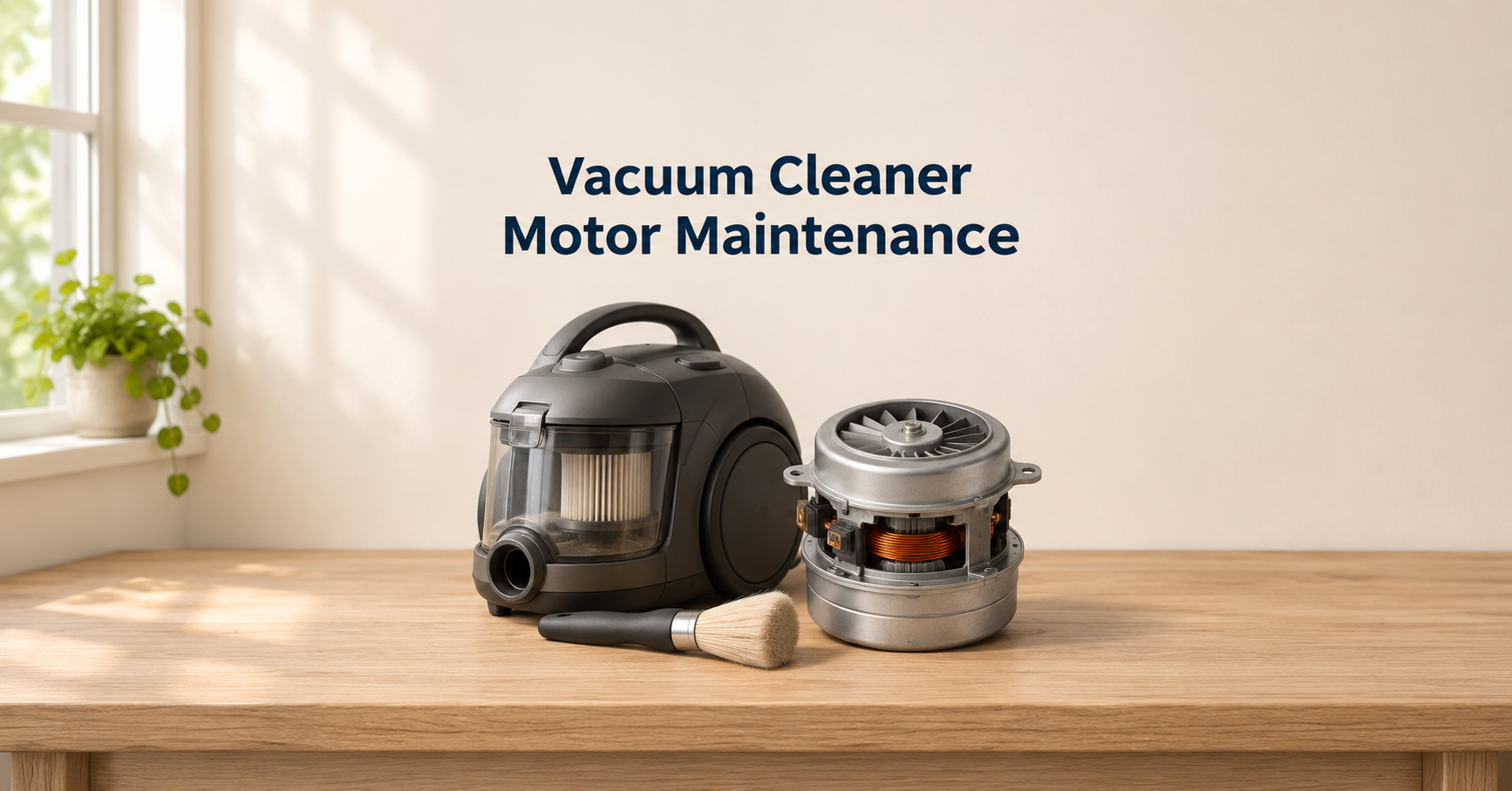
9. A Worn or Failing Motor
Why it happens: Motors wear out after years of use, and running a vacuum with clogged filters or blockages makes them work harder and overheat. Signs include unusual grinding or whining, a burning smell, the machine cutting out, or a thermal cut-off that repeatedly shuts it down.
The fix:
- First rule out every cause above, because a blocked airflow path can mimic motor failure and cause the same symptoms.
- Let an overheated vacuum cool for at least 30 to 45 minutes, then check the filters and hose again.
- If the motor still sounds wrong or smells of burning after a thorough clean, stop using the machine and consider professional repair or replacement. Continuing to use it can be unsafe.
The 10-Minute Diagnostic: Find the Problem Fast
If you are not sure where to start, follow this quick process:
- Unplug the vacuum and empty the bin or replace the bag.
- Remove and check the filters. If they look grey and clogged, clean or replace them.
- Detach the hose and look through it toward a light for blockages.
- Turn the vacuum over and inspect the brush roll for hair and thread.
- Reassemble everything, making sure all parts click firmly into place.
- Test on a small amount of crumbs or rice on the floor. If suction is back, you are done. If not, check the belt, battery, and seals.

Troubleshooting by Vacuum Type
Different designs tend to fail in different ways. Use this table to focus on the most likely causes for your machine.
| Vacuum Type | Most Likely Causes | First Thing to Check |
|---|---|---|
| Upright | Worn or broken belt, tangled brush roll, clogged filters | Brush roll spin and belt condition |
| Canister | Blocked hose, full bag or bin, air leaks at hose connections | Hose and wand airflow |
| Cordless stick | Weak battery, clogged filter, hair around the roller | Battery charge and filter |
| Robot vacuum | Tangled side brushes, full bin, dirty sensors, clogged filter | Main brush, side brushes, and bin |
| Handheld | Clogged filter, weak battery, blocked nozzle | Filter and nozzle opening |
Special Cases: Pet Hair, Carpet, and Hard Floors
Vacuum Not Picking Up Pet Hair
Pet hair is tough on any vacuum. It wraps around the brush roll quickly, clogs filters faster, and clings to carpet through static. If you have pets, clean the brush roll weekly and wash the filters more often than the minimum schedule. Using the highest suitable brush setting on carpet helps loosen embedded hair, and a model designed with anti-tangle or pet-specific brush features can reduce the chore.
Vacuum Not Picking Up Dirt on Carpet
On carpet the problem is usually agitation, not suction. Check the brush roll, belt, and height setting first. Thick carpet needs a higher height setting, and a slipping belt will leave deeply embedded dirt behind even if the vacuum sounds powerful.
Vacuum Not Picking Up Dirt on Hard Floors
On tile, laminate, and wood floors, debris is often pushed ahead of the machine. Lower the head to the hard floor setting, turn off the brush roll if you can, and check that the floor head seals well. Worn soft roller strips or stiff bristles can also send debris scattering rather than collecting it.
Preventing the Problem: A Simple Maintenance Schedule
Most suction problems build slowly, which means a few small habits can prevent them. The schedule below is a general guide. Always follow the exact intervals in your own manual.

Beyond the schedule, these habits make a real difference:
- Do not vacuum up wet messes, fine ash, plaster dust, or large debris unless your machine is specifically designed for it.
- Pick up string, large hair clumps, and small objects by hand before vacuuming.
- Store the vacuum with the cord and hose loosely arranged, not tightly kinked.
- Keep spare filters and a spare belt on hand so you can swap them as soon as needed.
When to Repair and When to Replace
Most problems are cheap to fix, but sometimes replacement is the smarter choice.
| Situation | Usually Best Choice |
|---|---|
| Full bin, dirty filter, tangled brush roll, blocked hose | Clean it yourself, this is free |
| Broken belt, worn brush roll, cracked hose, worn seals | Repair with inexpensive replacement parts |
| Weak battery on a good machine | Replace the battery if one is available |
| Burning smell, grinding motor, repeated cutting out after a full clean | Professional repair, or replacement if repair costs are high |
| Old machine where repair costs approach the price of a new one | Replace it |
What to Look for in a Replacement Vacuum
If it is time for a new vacuum, choosing the right features for your home helps you avoid the same frustration. Consider these points:
- Floor type: Mostly carpet calls for strong agitation and adjustable height. Mostly hard floors suit soft rollers and good edge cleaning.
- Pets: Look for anti-tangle brush designs, strong suction, and easy-to-clean filters.
- Filtration: A sealed system with a HEPA-grade filter helps keep fine dust and allergens inside the machine, which matters for allergy sufferers.
- Battery life and replaceable batteries: For cordless models, check the runtime and whether the battery can be replaced.
- Ease of maintenance: A bin that empties cleanly, washable filters, and a brush roll that is simple to remove will save you time for years.
- Parts availability: Choose a brand that sells filters, belts, and brushes for your model for a long period.
- Weight and storage: A vacuum that is too heavy or awkward to use will end up being used less often.
Frequently Asked Questions
Why does my vacuum run but not pick up anything?
If the motor runs but nothing is collected, there is usually a complete blockage in the hose or intake, a very full bin, a broken belt, or a major air leak. Unplug it and check each part of the airflow path in order.
Why did my vacuum suddenly lose suction?
A sudden drop usually points to a blockage, such as a sock or clump of debris in the hose, a full bin, or a bin or filter that is not seated correctly. Gradual loss over weeks is more often a clogged filter or worn brush roll.
How often should I clean my vacuum filter?
For many washable filters, a monthly rinse is a good habit, with replacement every three to six months. Homes with pets or heavy dust may need to clean them more often. Always check your manual for the correct interval.
Can a clogged filter damage the motor?
Yes. A clogged filter forces the motor to work harder with less airflow for cooling, which can cause overheating and shorten the life of the machine.
Why is my vacuum leaving a line of dirt behind?
Dirt trails are usually caused by a partially blocked floor head, worn brush bristles, or a worn edge seal on the floor head. Clear the intake and check the brush roll and any rubber strips.
Is it worth replacing the belt myself?
For most upright vacuums, yes. Belts are inexpensive and replacing one usually takes only a few minutes with a screwdriver. Always unplug the vacuum first and use a belt made for your exact model.
Why does my cordless vacuum lose power quickly?
This is typically caused by an aging battery, a clogged filter making the motor work harder, or using the maximum power mode constantly. Clean the filter, charge fully, and test the runtime. If runtime has dropped significantly, the battery may need replacing.
Final Thoughts
When a vacuum cleaner stops picking up dirt, the cause is almost always something simple: a full bin, a clogged filter, a blocked hose, or a brush roll tangled with hair. Work through the airflow path from the floor head to the motor, fix what you find, and your machine will often perform like new again.
Build a basic maintenance habit, emptying the bin after use, clearing the brush roll weekly, and cleaning or replacing filters on schedule, and you will prevent most suction problems before they start. And if the machine is old, noisy, or smells of burning even after a full clean, it may be time to invest in a replacement that suits your floors, your pets, and your home.