








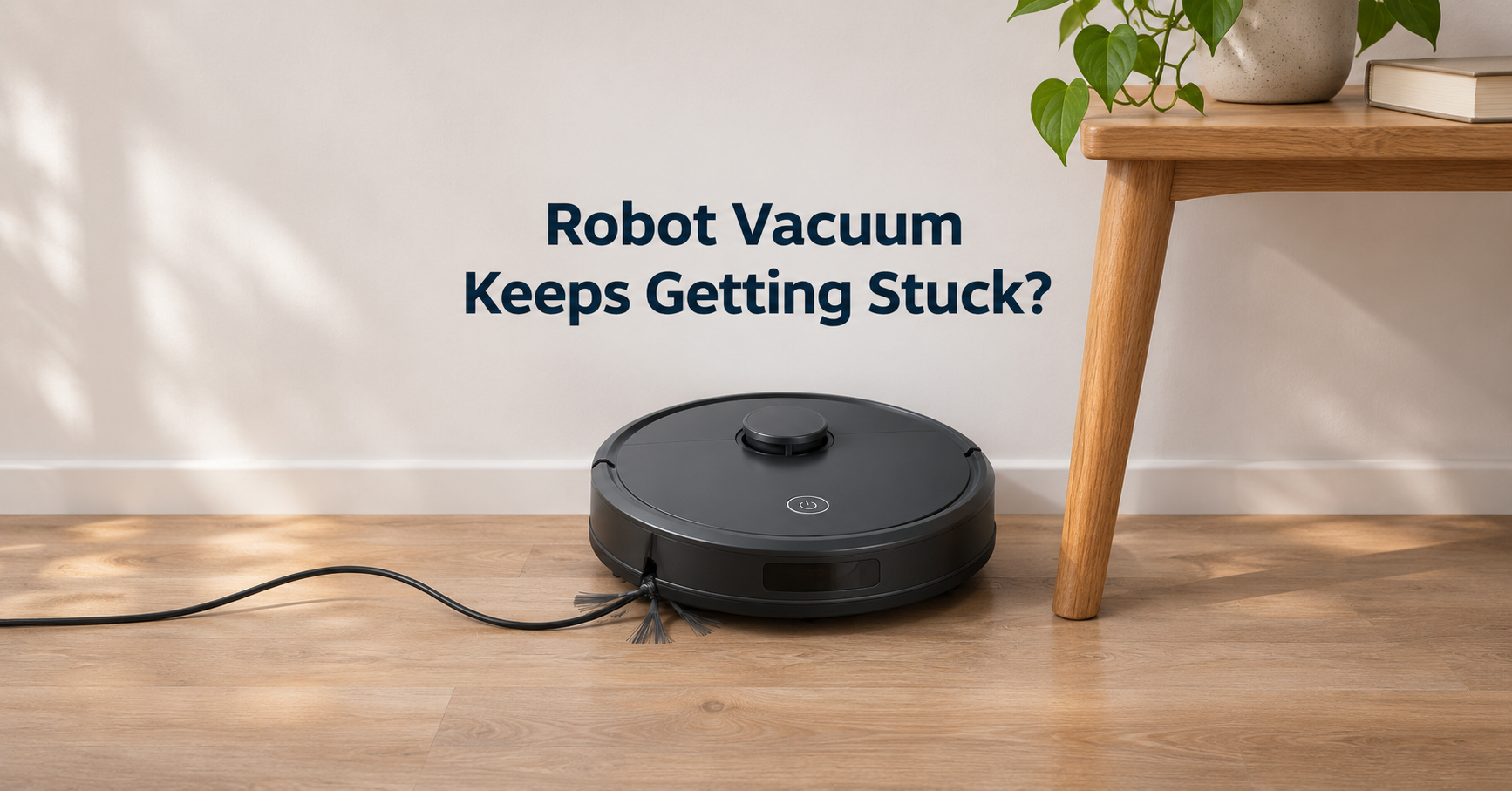
You press start, walk away, and come back to a robot vacuum wedged under a chair or blinking an error light. If your robot vacuum keeps getting stuck, you are not alone. The good news is that almost every case has a simple cause and a quick fix. This guide explains why it happens, how to fix each problem, how to prevent it, and what to look for if you decide to buy a better model.
Quick answer
Robot vacuums mostly get stuck because of cables, hair-wrapped brushes, high thresholds, low furniture and dirty sensors. Clear the floor, clean the brushes and sensors, and block trouble spots with no-go zones. These steps solve most cases in under ten minutes.
9 reasons your robot vacuum keeps getting stuck (and how to fix each one)
1. Cables, cords and loose items
Charger cords, phone cables, socks and shoelaces are the number one cause. They wrap around the main brush or side brush and stall the motor. Pick up floor clutter before every run, use cable clips or sleeves along walls, and schedule cleaning for times when the floor is clear.
2. Hair wrapped around brushes
Long hair and pet fur wind tightly around the roller and its end caps. The brush slows down, drags, and the robot stops with an error. Flip the machine over, cut the hair with scissors, and pull the roller out to clear the bearings. Models with rubber or hair-cutting rollers reduce this problem a lot.
3. Thresholds, rugs and uneven floors
Most robot vacuums climb 0.6 to 0.8 inches (15 to 20 mm). Tall door thresholds and thick rug edges can leave the wheels spinning. Add a small threshold ramp, trim long fringes, or set a no-go zone around the problem spot in the app.
4. Low furniture and tight gaps
Sofas, beds and cabinets with 3 to 4 inches of clearance can trap a robot that is too tall. Measure the height of your robot and compare it with the clearance. Raising furniture with risers or blocking the gap with a virtual wall solves it.
5. Dirty cliff and bumper sensors
Dust on cliff sensors makes the robot think there is a drop, so it freezes at dark rugs or black floors. A dirty bumper can stick and register a constant collision. Wipe sensors with a dry microfiber cloth and press the bumper a few times to loosen it.
6. Debris in the wheels
Small debris and hair in the drive wheel housing stop the wheels from turning freely. Press the wheel in and out. If it feels sticky or does not spring back, remove the debris with tweezers.
7. Dark or reflective surfaces
Black carpets, mirrors and glossy tiles can confuse infrared cliff sensors. Place a lighter mat, or enable carpet detection, and avoid running near mirrored lower cabinets.
8. Weak battery or worn wheels
A battery that cannot deliver steady power makes the robot slow and stop on climbs. If run time dropped sharply, a new battery often fixes random stalling. Worn wheel treads also lose grip and should be replaced.
9. Outdated software or poor mapping
Old firmware can cause navigation bugs. Update the app and firmware, delete the old map, and let the robot build a fresh one with all doors open. Then add no-go zones for trouble spots.
Step-by-step troubleshooting checklist
- Read the error message or voice prompt in the app. It often names the exact problem.
- Turn the robot over and remove hair and threads from the main brush and side brush.
- Spin each wheel by hand and clear debris from the housing.
- Wipe the cliff sensors, bumper and charging contacts with a dry microfiber cloth.
- Check the dustbin and filter. A full bin or clogged filter reduces power.
- Walk the route and look for cords, thresholds, rug edges and tight gaps.
- Update firmware, then rebuild the map if the robot keeps getting lost.
- Run a short test and watch where it stops. Add a no-go zone there if needed.
How to prevent your robot vacuum from getting stuck
- Do a two minute floor check before each scheduled run.
- Use cable organizers and move charger cords off the floor.
- Set virtual boundaries in the app for tassels, pet bowls and tight corners.
- Add small threshold ramps where the wheels struggle to climb.
- Trim carpet fringes or fold them under.
- Keep pets groomed to lower the amount of hair in the brush.
Smart features that help avoid getting stuck
If you are shopping for a new robot vacuum, these features reduce stuck situations the most:
- AI obstacle avoidance with a front camera or 3D sensor to detect cables, socks and pet waste.
- LiDAR navigation for accurate maps and fewer lost-position errors.
- Tangle-free or rubber brushes that resist hair wrap.
- High climbing ability of 0.8 inches (20 mm) or more for thresholds.
- Slim body height for low furniture, balanced against a lidar turret that adds height.
- Carpet detection that raises suction and avoids wet mopping on rugs.
- App features such as no-go zones, room editing and error notifications.
Which type suits your home?
- Homes with pets: choose rubber rollers, strong suction and obstacle recognition.
- Homes with lots of cables: choose camera or 3D obstacle avoidance.
- Homes with low furniture: choose a low-profile model or a bumper-style navigation system.
- Homes with thick rugs: choose high climbing ability and auto carpet boost.
When should you replace your robot vacuum?
If you have cleaned everything, replaced the brushes and filter, updated the software, and the robot still gets stuck, the hardware may be worn out. A weak battery, damaged wheels or faulty sensors are not cheap to repair on older machines. A modern model with better navigation and obstacle detection is often the more practical choice.
Frequently asked questions
Why does my robot vacuum get stuck in the same spot?
Repeated sticking at one place usually points to a fixed obstacle such as a threshold, a cable, a rug edge or a low gap. Check the exact spot and use a no-go zone.
Why does my robot vacuum stop in the middle of the room?
Common reasons are a tangled brush, a low battery, a dirty cliff sensor or a mapping error. Check the app error message first.
How often should I clean my robot vacuum?
Empty the bin and check the brush weekly. Clean filters and wheel housings monthly.
Can a robot vacuum work on thick carpet?
Many can handle low and medium pile, but very thick shag carpet and long fringes often cause stalling. Look for strong suction and good climbing ability.
Is it time to replace my robot vacuum?
If it still gets stuck after cleaning, a new battery and fresh brushes, and it is more than four or five years old, a newer model may save you frustration.
Final thoughts
A robot vacuum that keeps getting stuck is usually asking for a little maintenance or a small change in your home setup. Start with cables, brushes, sensors and wheels, then deal with thresholds and furniture gaps. If problems continue, upgrading to a model with smarter obstacle avoidance can save you time every single day.
Disclosure: this site may earn a commission from qualifying purchases at no extra cost to you.