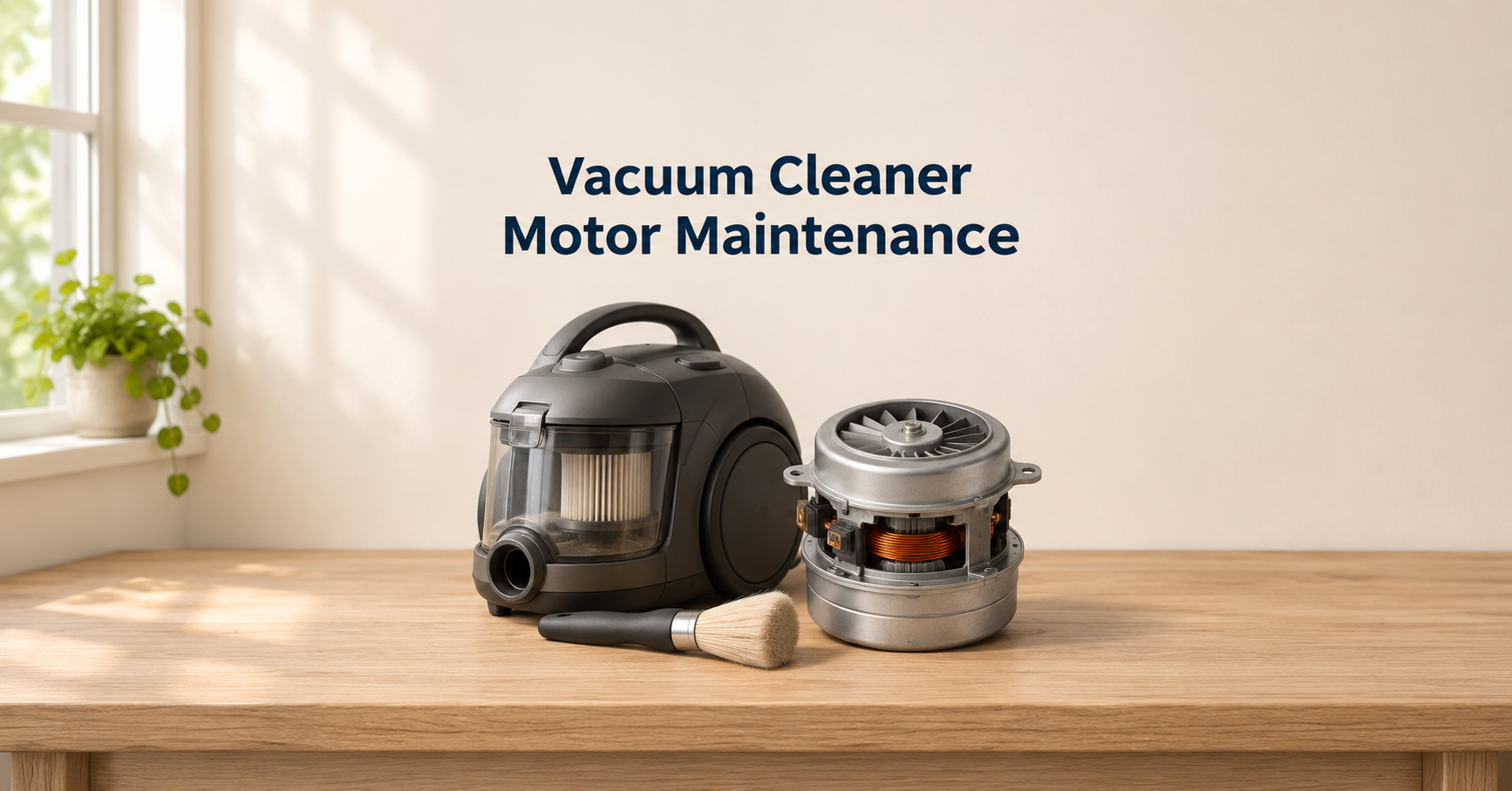
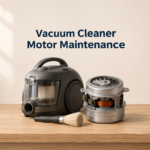




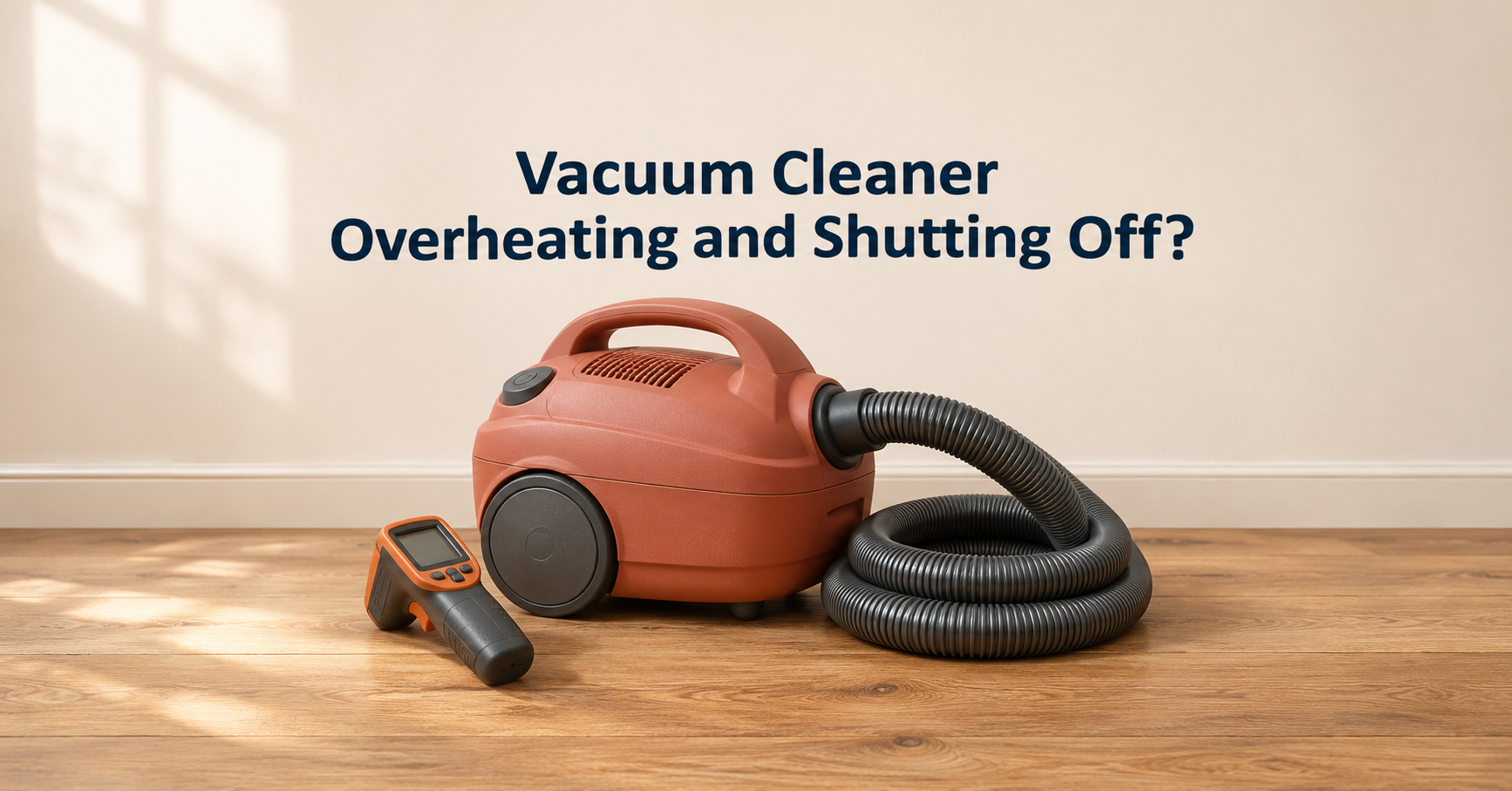
You are halfway through cleaning when the vacuum suddenly loses power, the motor smells hot, and nothing works. If your vacuum cleaner is overheating and shutting off, the machine is usually protecting itself. In most cases the cause is restricted airflow, and you can fix it at home in a few minutes. This guide explains why it happens, how to fix it safely, and when it is time to replace the vacuum.
Quick answer
A vacuum cleaner overheats and shuts off mainly because air cannot flow through it. Check for a clogged filter, blocked hose, full bag or bin, and tangled brush roll. Unplug it, let it cool for 30 to 60 minutes, clear the blockages and clean or replace the filters.
10 reasons your vacuum cleaner overheats and shuts off (and what to do)
1. A clogged or dirty filter
This is the number one cause. Dust packs into the pre-motor filter and cuts the airflow that cools the motor. Wash washable filters with cold water, let them dry fully for at least 24 hours, and replace disposable ones as the manual recommends, usually every 3 to 6 months.
2. A blocked hose, wand or nozzle
A clog starves the motor of air, and the motor heats up in seconds. Disconnect the hose and look through it toward a light. Clear blockages with a broom handle, never a sharp object, and check the nozzle opening and the elbow joint where socks and paper often lodge.
3. A full dustbin or bag
A bag or bin that is more than about two thirds full reduces suction and airflow. Empty the canister after each use, and change bags earlier if you vacuum fine dust like drywall, flour or pet hair.
4. A tangled brush roll
Hair and thread wound around the roller force the motor to work harder, and many models cut out to protect it. Cut the hair away with scissors and make sure the roller spins freely by hand.
5. Using it too long without a break
Some vacuums, especially older or budget models, are not designed for long continuous use. Give the machine ten to fifteen minutes of rest after about 30 to 45 minutes of cleaning, and let it cool in a ventilated space.
6. Blocked motor vents or hot environment
Vents on the motor housing and exhaust must stay clear. Do not place the vacuum on thick rugs while running, cover vents, or use it in a very hot room. Wipe dust off the vents and keep the exhaust away from walls.
7. Wrong accessories or extension cords
A thin extension cord or too many devices on one circuit can cause power problems. Plug the vacuum straight into a wall outlet if possible, and use only the attachments designed for your model.
8. Thermal protection doing its job
Most vacuums have a thermal cut-off switch that turns the motor off when it gets too hot. It resets after the motor cools, usually after 30 to 60 minutes. If it keeps tripping, the cause is airflow restriction or motor wear, not the switch.
9. A worn motor, bearings or battery
Old carbon brushes, dry bearings and aging lithium batteries produce extra heat. A grinding sound, a burning smell or a short run time points to wear. These need a repair technician or a replacement, not a DIY fix.
10. Fine dust, pet hair or debris the machine cannot handle
Construction dust, ash and fine powder clog filters very quickly and can damage the motor. Use a wet and dry shop vacuum or a model with a HEPA and washable filter for these jobs.
Step-by-step fix
- Switch the vacuum off, unplug it or remove the battery, and let it cool for 30 to 60 minutes.
- Empty the bag or dustbin, and replace the bag if it is more than two thirds full.
- Remove and inspect the filters. Wash washable ones with cold water and dry them fully, or replace disposable ones.
- Detach the hose and wand, and look through each part for clogs.
- Turn over the head and cut away hair and threads from the brush roll.
- Check the motor and exhaust vents for dust.
- Reassemble the parts, plug in the vacuum and test it for a few minutes.
- If it still shuts off, check the power cord, outlet and battery, and consider professional service.
How to prevent your vacuum from overheating
- Empty the bin or bag regularly, ideally after every use.
- Wash or replace filters on schedule.
- Cut hair from the brush roll every week or two.
- Take short cooling breaks during long cleaning sessions.
- Do not vacuum fine dust, ash or wet messes with a standard household vacuum.
- Store it in a dry, cool place and avoid cramped cupboards when it is still warm.
- Use the right setting for floors and rugs to reduce motor strain.
Cordless vacuum overheating: extra points
Cordless models add the battery as a heat source. High power or boost mode drains the battery fast and creates heat, so use it only when needed. Charge the battery in a cool place, do not leave it on the charger for days, and replace it if it swells, gets very hot or runs for much less time than before.
When to replace your vacuum cleaner
- It keeps overheating after you cleaned all filters, hoses and brushes.
- You smell burning or notice smoke, sparks or melted plastic.
- The motor makes a grinding or screeching sound.
- The vacuum is more than five to eight years old and repair costs are high.
- The battery lasts only a few minutes and replacement is not available.
Features to look for in a new vacuum that resists overheating
- Washable HEPA filter that is easy to remove and maintain.
- Thermal protection and well-designed cooling vents.
- Bagless canister with a clear bin so you can see when it is full.
- Anti-tangle brush roll for homes with pets or long hair.
- Strong sustained suction instead of only a short boost mode.
- Removable battery and good run time for cordless models.
- Solid warranty and spare parts availability.
Frequently asked questions
Why does my vacuum cleaner shut off after a few minutes?
The thermal protection usually trips because of a clogged filter, a blocked hose, a full bin or a tangled brush roll. Fix the airflow problem and let it cool.
How long should I wait before using it again?
Wait at least 30 to 60 minutes. Unplug it and check for blockages while it cools.
Is an overheating vacuum dangerous?
It can be if you ignore it. A burning smell, smoke or sparks mean you should stop, unplug the machine and have it checked. Do not keep using it.
Can a dirty filter really make a vacuum overheat?
Yes. The motor uses the air passing through it for cooling, so a clogged filter makes it run hot.
Is it worth repairing an old vacuum that overheats?
If the cause is a worn motor or a swollen battery, a replacement is often cheaper than repair, especially if the unit is over five years old.
Final thoughts
When a vacuum cleaner overheats and shuts off, it is usually asking for airflow. A quick check of the filter, hose, bin and brush roll solves most problems, and regular maintenance prevents them from returning. If the machine smells of burning or still shuts off after you clean it, stop using it and choose repair or a better model with washable filters and reliable cooling.
Disclosure: this site may earn a commission from qualifying purchases at no extra cost to you.