



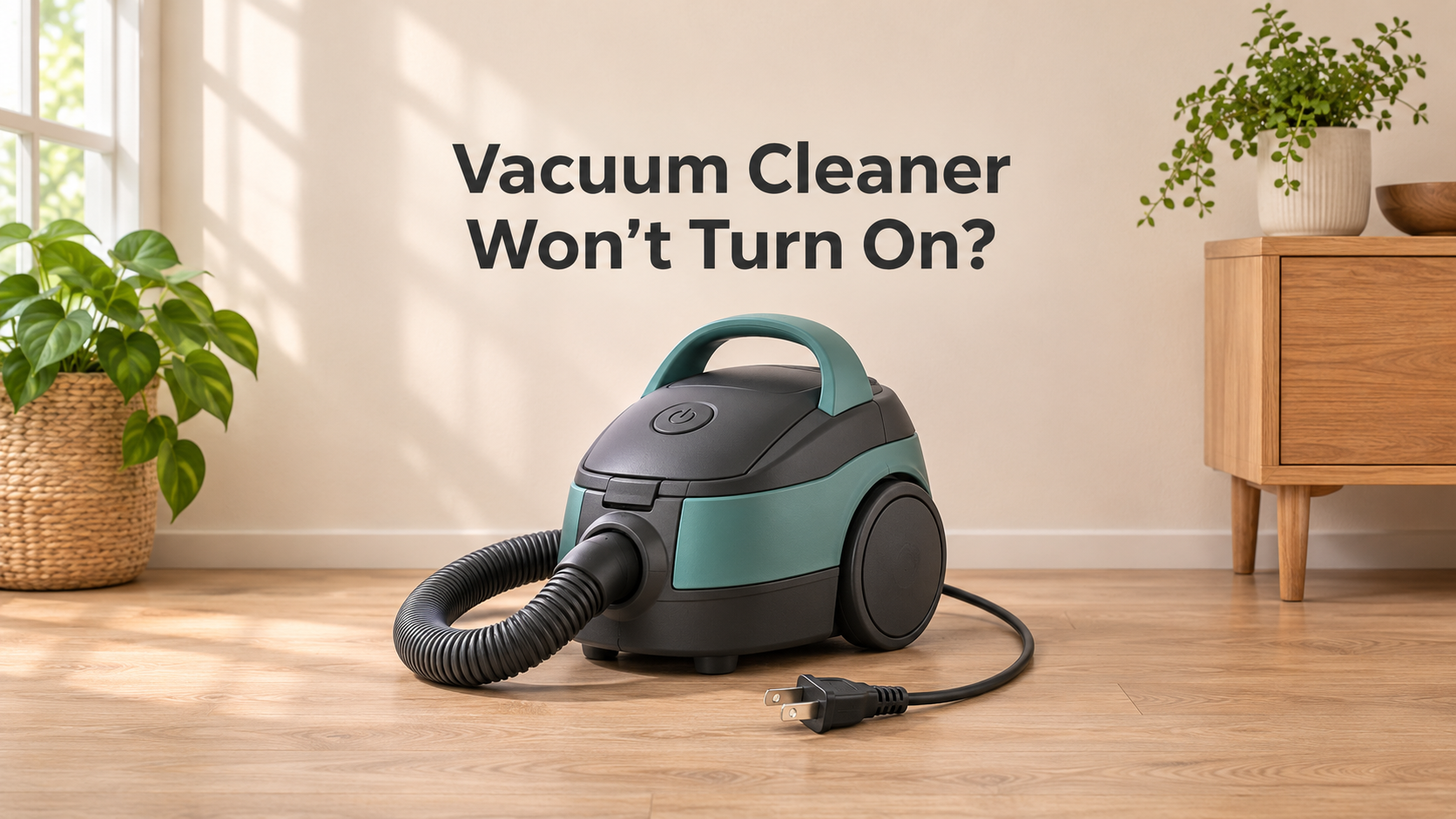
Vacuum Cleaner Won’t Turn On? 12 Causes and Easy Fixes
You press the power button, and nothing happens. No hum, no light, no movement. A vacuum cleaner that will not turn on is one of the most frustrating household problems, especially when you have a messy floor waiting to be cleaned. The good news is that most “dead” vacuums are not truly broken. In many cases the cause is a simple issue such as a tripped circuit breaker, an unplugged cord, a full dust bin, a dead battery, or a thermal cut-off that has switched the machine off to protect the motor.
This complete guide walks you through every common reason a vacuum cleaner will not start, for both corded and cordless models. You will learn how to test each possible cause safely, how to fix the easy ones at home, when to call a professional, and how to avoid the problem in the future.
How a Vacuum Cleaner Gets Its Power
To fix a vacuum that will not start, it helps to understand the path that electricity takes. In a corded vacuum, power flows from the wall outlet through the plug and cord, then through the on/off switch and safety components, and finally to the motor. In a cordless vacuum, the battery replaces the wall outlet and cord, and a circuit board controls power to the motor.
If something breaks or interrupts that chain at any point, the motor will not run. Your job is to check each link, starting with the easiest.

Safety First Before You Troubleshoot
- Unplug the vacuum before opening, cleaning, or inspecting any part. For cordless models, remove the battery when the manual allows it.
- Do not use a vacuum that has a damaged cord, a melted plug, burn marks, or a burning smell.
- Keep your hands dry and never work on a vacuum while standing in water.
- Do not open sealed electrical parts or try to repair internal wiring unless you are trained. Leave motor and circuit work to a qualified technician.
Match the Symptom to the Likely Cause
The way your vacuum fails gives a strong clue about the problem. Use the chart below to narrow it down before you start testing.

12 Reasons Your Vacuum Cleaner Will Not Turn On (and How to Fix Each One)
1. No Power at the Wall Outlet
The simplest cause is often the outlet itself. A tripped breaker, a blown fuse, a switched-off socket, or a faulty outlet can all stop power from reaching the vacuum.
How to fix it:
- Plug a lamp or phone charger into the same outlet to check if it works.
- Check your home’s circuit breaker panel and reset any tripped breaker.
- Try a different outlet in another room, preferably on a different circuit.
- If the outlet has a reset button (common in kitchens and bathrooms), press it.
2. Loose or Faulty Plug or Extension Cord
A plug that is not fully inserted, or a worn extension cord, can interrupt power. Cheap or overloaded extension cords are a common hidden cause.
How to fix it: Plug the vacuum directly into the wall. Avoid using extension cords or power strips with high-power devices unless they are rated for it. Check the plug pins for bending, burn marks, or dirt.
3. Damaged Power Cord
Over time, cords can crack, fray, or break internally, especially near the plug or where the cord enters the vacuum. This often causes the vacuum to work only when the cord is in a certain position, or to stop suddenly.
How to fix it:
- Unplug the vacuum and inspect the full length of the cord for cuts, kinks, flattened spots, and exposed wire.
- Do not use a vacuum with a damaged cord. Taping a cord is not a safe permanent repair.
- Have the cord replaced by a qualified technician or the manufacturer’s service center.
4. Overheating and Thermal Cut-Off
Most modern vacuums have a safety device that shuts off the motor when it becomes too hot. This often happens after a long cleaning session, a blocked hose, a full bin, or a dirty filter. When it trips, the vacuum will not start until it has cooled.
How to fix it:
- Unplug the vacuum and let it cool for 30 to 60 minutes.
- Empty the bin, clean or replace the filters, and clear any blockage in the hose or floor head.
- Check the manual for a reset button, which some models have.
- Plug the vacuum back in and test it. If it keeps shutting off, the airflow or motor needs attention.
5. Dust Bin or Bag Not Seated Properly
Many vacuums have a safety interlock that prevents operation when the bin, bag compartment, or cover is not fully closed. A bin that is slightly off, cracked, or overfull can stop the machine from turning on.
How to fix it: Remove the bin or bag, empty it, and refit it until it clicks firmly into place. Check that the latch, lid, and any safety tabs are not broken or dirty.
6. Filter Missing or Installed Incorrectly
Some models will not run if a filter is missing or not seated correctly. Others may shut down because a clogged filter is causing overheating.
How to fix it: Check that all filters are present and fitted properly. Clean washable filters and let them dry fully for at least 24 hours before reinstalling.
7. Faulty On/Off Switch or Power Button
Switches wear out with use, and dust and debris can stop the contacts from working. If the vacuum does not respond at all and the outlet and cord are fine, the switch may be the issue.
How to fix it: Press the switch several times and check whether it clicks normally. If it feels loose, stuck, or dead, it likely needs replacing by a technician.
8. Brush Roll Jam or Broken Belt Triggering Shutdown
On some models, a jammed brush roll can trigger a protective shutdown. A damaged belt or stuck roller may also prevent the machine from starting normally.
How to fix it: Unplug the vacuum, remove tangled hair and debris from the brush roll, and check the belt. Replace a stretched or broken belt, then try again.
9. Dead or Low Battery (Cordless Vacuums)
For cordless models, an empty battery is the most common reason for no power. Batteries also lose capacity with age, so a battery that is a few years old may charge to a level that cannot start the motor.
How to fix it:
- Place the vacuum on its charger and check that the charging light turns on.
- Leave it to charge fully, which can take 3 to 6 hours depending on the model.
- If the battery does not charge or dies quickly, it may need replacing.
10. Faulty Charger, Dock, or Dirty Battery Contacts
If a cordless vacuum does not charge, the charger may be faulty, the charging port may be loose, or the metal contacts may be dirty or corroded.
How to fix it:
- Check the charger in a working outlet and make sure the indicator light comes on.
- Wipe the battery and charging contacts with a dry cloth. Do not use water on electrical contacts.
- Reseat the battery firmly. If it still will not charge, try a replacement charger of the correct type.
11. Battery Overheating or Protection Mode (Cordless)
Lithium-ion batteries have built-in protection. If the battery or motor gets too hot, or the vacuum is overloaded, the system may switch off power and refuse to start until it cools. Cold temperatures can also temporarily stop a battery from working.
How to fix it: Leave the vacuum at room temperature for 30 to 60 minutes, clear blockages, clean the filters, and try again. Do not use a battery that is swollen, leaking, or very hot.
12. Failed Motor or Internal Electrical Fault
If everything else checks out and the vacuum is still dead, the motor, thermal fuse, circuit board, or internal wiring may have failed. Signs include a burning smell before it stopped, a humming sound without any movement, or repeated sudden shutdowns before it died completely.
How to fix it: Stop using the vacuum and take it to a qualified technician. If the machine is old and the repair costs a large share of a new vacuum, replacement is usually the better choice.
Corded vs Cordless: Which Checks Apply to You?
Use this quick guide to decide what to check first for your type of vacuum.

Step-by-Step: How to Find Out Why Your Vacuum Will Not Turn On
If you are not sure where to start, follow this order. It moves from the easiest and safest checks to the more serious ones.

- Check the power source. Test the outlet with another device or check the battery charge on a cordless model.
- Inspect the cord and plug, or the charger and battery contacts.
- Empty the bin and check the seating of the bin, bag, and covers.
- Check and clean the filters, and make sure they are all installed.
- Clear blockages and tangled hair from the hose, floor head, and brush roll.
- Let the vacuum cool for 30 to 60 minutes, then try again. If it still will not start, get it professionally inspected.
How to Prevent Power Problems in the Future
A little regular care helps your vacuum start reliably every time and extends its life.

- Empty the bin regularly and do not let it overfill.
- Clean and replace filters on the schedule recommended by the manufacturer.
- Remove hair from the brush roll and check the belt frequently.
- Do not pull the vacuum by the cord or wrap the cord too tightly. Store it loosely coiled.
- Unplug carefully by pulling the plug, not the cord.
- Avoid long, continuous runs that cause overheating, especially with older machines.
- Charge cordless batteries correctly: use the original charger and avoid leaving the battery in very hot or very cold places.
- Do not vacuum liquids, ashes, wet dust, or construction debris unless the vacuum is made for it.
Repair or Replace? How to Decide
Repair it if:
- The problem is a replaceable part such as a cord, battery, switch, belt, or filter.
- The vacuum is relatively new or still under warranty.
- Spare parts and service are easy to find for your model.
Replace it if:
- The motor or circuit board has failed and the repair would cost more than half the price of a new vacuum.
- A cordless battery is expensive or unavailable and the machine is several years old.
- The vacuum is 8 to 10 years old and keeps having problems.
- There has been smoke, sparks, or burning, or the cord or plug is damaged beyond a simple repair.
What to Look for in a More Reliable Vacuum Cleaner
If you need a new vacuum, these features can help you avoid power problems in the future:
- Replaceable battery (for cordless models): Saves you from replacing the whole machine when the battery ages.
- Thermal protection with a clear indicator: Tells you when the vacuum has shut off to cool down.
- Long, sturdy, replaceable power cord: Cord quality matters on corded models.
- Full-bin and filter indicators: Warn you before airflow problems cause overheating.
- Easy-access filters and bin: Make regular maintenance quick.
- Good warranty and service support: Longer warranties reflect confidence in motor and battery quality.
- Available spare parts: Belts, filters, batteries, and chargers should be easy to find for your model.
Frequently Asked Questions
Why won’t my vacuum cleaner turn on at all?
The most common causes are no power at the outlet, a damaged cord, a tripped thermal cut-off, a bin that is not seated correctly, a dead battery on a cordless model, or a failed switch or motor.
Why did my vacuum stop working suddenly?
A sudden stop usually means overheating, a blocked airflow path, a tripped breaker, or a jammed brush roll. Let it cool, clear blockages, and check the power supply before assuming the motor is dead.
Why does my vacuum hum but not move or suck?
Humming without movement can point to a seized motor, a jammed fan, or a failed start component. Stop using it and have it inspected.
Why won’t my cordless vacuum turn on even after charging?
The battery may be worn out, the charger or contacts may be faulty, or the vacuum may be in thermal protection mode. Let it cool, clean the contacts, and test with the correct charger.
Can a full dust bin stop a vacuum from turning on?
Yes, on many models. A bin that is overfull or not seated correctly can trigger a safety lock or cause the machine to overheat and shut down.
How long should I wait for a vacuum to cool?
Allow 30 to 60 minutes with the machine unplugged, and clear any blockages before using it again.
Is it safe to repair a vacuum myself?
Simple tasks such as cleaning filters, emptying the bin, and removing hair from the brush roll are safe. Anything involving the cord, switch, motor, or wiring should be done by a qualified technician.
Final Thoughts
A vacuum cleaner that will not turn on rarely means the end of the machine. Start with the basics: check the outlet or battery, inspect the cord and plug, empty the bin, clean the filters, clear any blockage, and let the machine cool. These simple steps solve a large share of “dead vacuum” problems in a few minutes and cost nothing.
If the vacuum still will not start, or you notice burning smells, damaged cords, or repeated shutdowns, stop using it and have it inspected. With regular maintenance and careful use, your vacuum will start reliably and keep cleaning well for many years.