



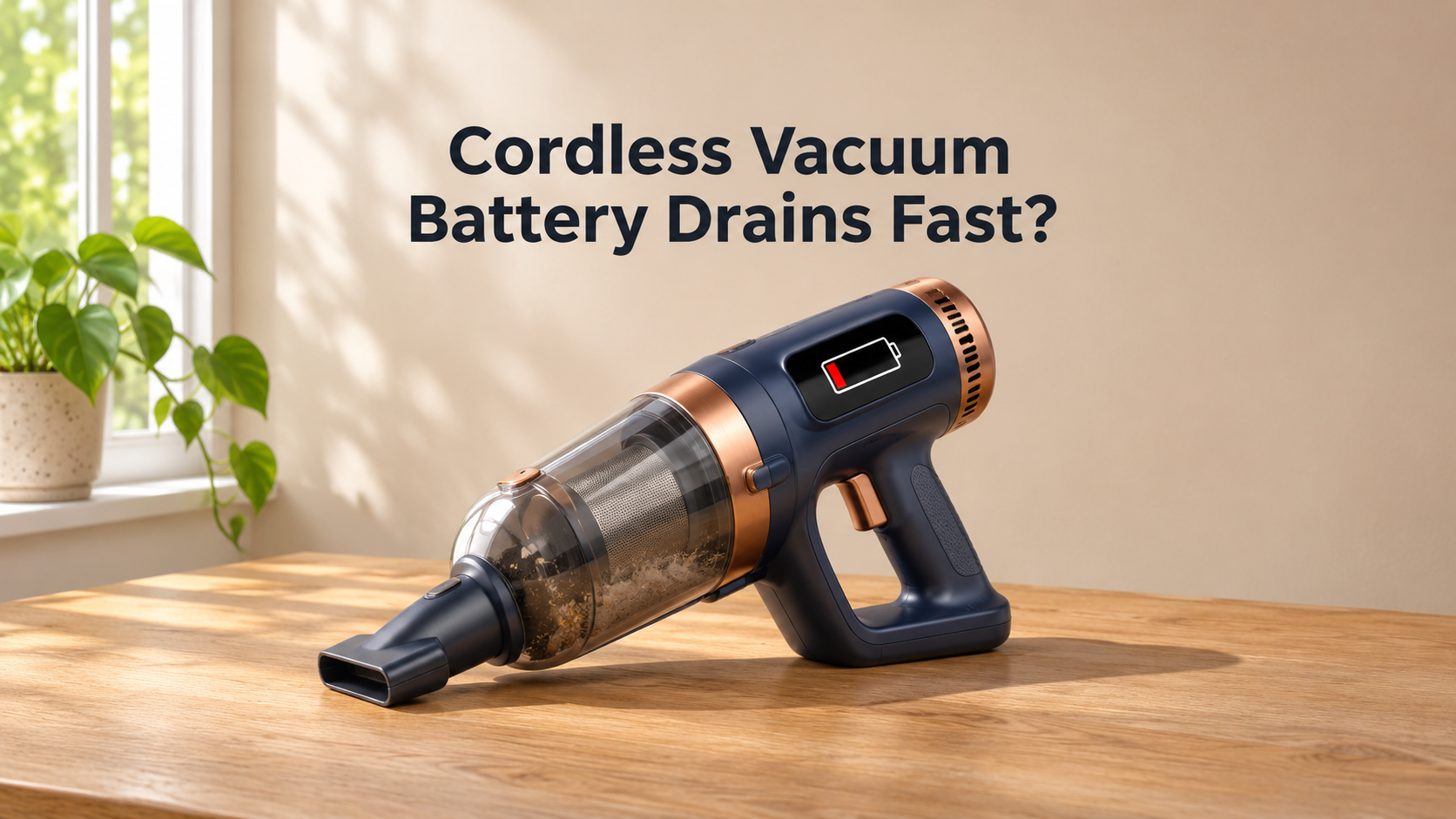
Cordless Vacuum Battery Drains Fast? 12 Causes and Easy Fixes
You charge your cordless vacuum for hours, start cleaning, and after only a few minutes the power fades and the machine shuts off. A cordless vacuum battery that drains fast is one of the most common complaints among owners, and it can make the whole machine feel useless. The good news is that fast battery drain is not always a sign that the battery is dead. Very often the vacuum is simply working harder than it should because of a blocked filter, a tangled brush roll, a full dust bin, or the wrong power mode.
This complete guide explains why a cordless vacuum battery runs out quickly, how to tell whether the problem is the battery or the vacuum itself, how to fix each cause at home, and how to get longer run time from every charge. You will also learn when it is time to replace the battery and what to look for in a better cordless vacuum.
How Long Should a Cordless Vacuum Battery Last?
Run time depends heavily on the model, the battery size, and the power mode you use. Many cordless vacuums advertise a long run time, but that figure usually applies to the lowest power setting on a hard floor with no motorized brush. In real-life cleaning, with higher power and a spinning brush on carpet, the run time is much shorter.
As a rough guide, most cordless vacuums run for about 40 to 60 minutes in eco mode, around 20 to 30 minutes in standard or auto mode, and only about 8 to 15 minutes in boost or max mode. These are general ranges, and your manual will give the figures for your specific model. If your vacuum runs far below the expected time for the mode you are using, something is draining the battery too quickly.

Is It the Battery or the Vacuum?
Before you replace anything, work out which part is causing the drain:
- Vacuum working too hard: The battery drains fast only while you vacuum, the motor sounds strained or louder than usual, suction feels weak, or the machine gets hot. This points to blockages, dirty filters, or a jammed brush roll.
- Battery getting old: The vacuum sounds and performs normally at first, but the battery charges quickly and dies quickly, and the run time has slowly shortened over months or years.
- Battery draining while idle: The charge falls even when the vacuum is switched off. This suggests a battery or circuit fault.
Safety First
- Switch the vacuum off and remove the battery if the manual allows it before cleaning filters, the brush roll, or the hose.
- Stop using the vacuum if the battery is swollen, leaking, very hot, or smells unusual, and replace it.
- Use only the original charger or a replacement approved for your model.
- Do not open the battery pack or try to repair the cells yourself.
Match the Symptom to the Likely Cause

12 Reasons Your Cordless Vacuum Battery Drains Fast (and How to Fix Each One)
1. Aging or Worn-Out Battery
Every lithium-ion battery slowly loses capacity. After around 300 to 500 full charge cycles, or roughly 2 to 4 years of regular use, many batteries can hold much less charge than when they were new. This is the most common reason for a permanent drop in run time.
How to fix it: Replace the battery with a genuine or compatible one made for your exact model. If your vacuum has a built-in battery that cannot be removed, ask a service center whether a replacement is possible.
2. Clogged or Dirty Filters
Filters trap fine dust. When they clog, air cannot flow freely, and the motor must work harder to pull air through the machine. This increases power use and heat and drains the battery quickly.
How to fix it:
- Remove the filters and tap off loose dust.
- If the manual says they are washable, rinse them in cold water until clear, and let them dry for at least 24 hours before reinstalling.
- Replace filters that are torn, stiff, or permanently stained.
3. Full or Overfilled Dust Bin
A packed dust bin restricts airflow in the same way as a clogged filter. The motor runs harder, uses more energy, and suction drops.
How to fix it: Empty the bin after every use, and always before it is more than two thirds full. Check that the bin seals properly when closed.
4. Hair and Debris Wrapped Around the Brush Roll
Hair, thread, and fibers wrap around the roller and create friction. The brush motor must use more power to turn the roller, which drains the battery much faster, especially on motorized floor heads.
How to fix it:
- Remove the brush roll and cut away tangled hair with scissors or a seam ripper.
- Clean the end caps and bearings, and make sure the roller spins freely by hand.
- Do this weekly if you have pets or long hair at home.
5. Blocked Hose, Wand, or Floor Head
A blockage anywhere in the airway forces the motor to strain. You may notice a whistling sound, weak pickup, and quick battery drain.
How to fix it: Detach the wand, hose, and floor head and look through each part toward a light source. Remove any clogs with a long, flexible object, and check the connection points and the inlet.
6. Using Boost or Max Power Too Often
Boost mode can use several times more power than eco mode. If you leave the vacuum on the highest setting all the time, the battery will run out within minutes, no matter how new it is.
How to fix it: Use eco or standard mode for everyday cleaning, and switch to boost only for heavy dirt, pet hair, or deep carpet. Many vacuums have an auto mode that adjusts power for you.
7. Motorized Brush Running on Surfaces That Do Not Need It
The motorized brush draws a large share of the battery power. Running it on hard floors, delicate rugs, or very thick carpets wastes energy and may also put extra load on the motor.
How to fix it: Turn the brush off or use a soft roller or hard-floor mode on smooth surfaces, and use a different tool for upholstery and stairs when a motorized head is not needed.
8. Air Leaks and Poor Seals
Cracked hoses, loose attachments, worn seals, or a badly fitted bin let air leak out. The motor then runs at higher power to compensate for the lost suction.
How to fix it: Check that every part clicks firmly into place, inspect rubber seals and the bin gasket for cracks, and replace any damaged hose or seal.
9. Hot or Cold Temperatures
Batteries perform worst at temperature extremes. A battery stored in a freezing garage or left in a hot car can show much shorter run time and may also age faster.
How to fix it: Store and charge the vacuum at normal room temperature. If the battery is cold, let it warm up before using it, and let it cool down before charging if it is hot.
10. Incomplete or Poor Charging
If the vacuum is not charging fully, because of a loose connection, a dirty contact, or a weak charger, you will only get a fraction of the expected run time even though the battery may be fine.
How to fix it:
- Check that the charging light shows a full charge before you start cleaning.
- Wipe the charging contacts on the battery, vacuum, and dock with a dry, lint-free cloth.
- Make sure you are using the correct charger and a working outlet.
11. Poor Battery Habits and Long Storage While Empty
Draining the battery to zero again and again, leaving it empty for weeks, or keeping it on charge in a hot place can shorten the life of the cells and cause faster drain over time.
How to fix it: Recharge before the battery is completely empty, store the vacuum with a partial charge if you will not use it for a long time, and avoid keeping it in heat.
12. Faulty Cells or Battery Management Board
If the battery loses charge even when the vacuum is switched off, charges unusually fast, or the vacuum cuts out suddenly while the indicator still shows power, the cells may be damaged or the battery management board may be faulty.
How to fix it: This usually cannot be fixed at home. Replace the battery pack, and stop using it if it becomes swollen, hot, or leaks.
Step-by-Step: How to Get Longer Run Time From Your Cordless Vacuum
Follow this order, starting with the easiest and cheapest fixes first.

- Charge fully and make sure the charger and contacts are working.
- Empty the dust bin and check that it seals properly.
- Clean or replace the filters, then let them dry completely.
- Clear the hose, wand, and floor head of any blockage.
- Clean the brush roll and remove hair from the end caps.
- Switch to eco or auto mode and test the run time again. If it is still very short, the battery is probably worn out.
How to Test Your Real Run Time
To find out whether the battery or the vacuum is at fault, do a simple test after cleaning the filters, bin, and brush roll:
- Charge the battery completely.
- Run the vacuum in eco mode on a hard floor with the brush off and time how long it runs.
- Compare the result with the run time listed in your manual for that mode.
If the run time is close to the rated figure, the battery is healthy and your usual habits or blockages are the cause. If it is far lower, such as less than half of the stated time, the battery is likely worn out.
Tips to Make Your Cordless Vacuum Battery Last Longer

- Use the lowest suitable power mode for each job.
- Clean the filters monthly and the brush roll weekly.
- Empty the bin early and often, before it fills up.
- Do not drain the battery to zero as a habit.
- Keep the vacuum at room temperature, away from direct sun, heaters, cars, and freezing garages.
- Use the original charger and keep the charging contacts clean.
- Clean in sections, and recharge between sessions in large homes instead of pushing the battery to empty.
- Consider a spare battery if your model supports swappable batteries.
Regular Maintenance Schedule

Repair or Replace? How to Decide
Replace the battery if:
- The vacuum is otherwise in good condition and the run time is less than half of the rated time even after cleaning and testing.
- The battery is 2 to 4 years old and has been used regularly.
- A replacement battery for your model is available at a fair price.
Replace the whole vacuum if:
- The motor, circuit board, or brush head is also failing.
- A replacement battery costs close to the price of a new vacuum.
- The machine is 5 to 8 years old and has several worn parts.
- The battery is swollen, leaking, or overheated.
What to Look for in a Cordless Vacuum With Better Battery Life
- Battery capacity (Wh or mAh) and rated run time: Larger capacity generally means longer cleaning time.
- Removable, replaceable battery: Lets you swap in a fresh battery or replace an old one easily.
- Efficient brushless motor: Uses power more efficiently and produces less heat.
- Multiple power modes and an auto mode: Helps you avoid wasting power.
- Brush on and off control or hard-floor head: Saves energy on bare floors.
- Easy-to-clean filters and brush roll: Make regular maintenance quick, so airflow stays strong.
- Smart battery protection: Prevents overheating, overcharging, and deep discharge.
- Good battery warranty and available spare parts: Make long-term ownership cheaper.
Frequently Asked Questions
Why does my cordless vacuum battery die so quickly?
The most common reasons are an aging battery, clogged filters, a full dust bin, a tangled brush roll, a blocked airway, and using boost mode too often.
How can I tell if my vacuum battery needs replacing?
If the run time stays very short even after cleaning the filters, bin, brush roll, and hose, and the battery is 2 to 4 years old, it likely needs replacing.
Does a clogged filter really drain the battery faster?
Yes. A clogged filter restricts airflow, so the motor works harder and uses more power, which shortens run time.
Is it bad to use boost mode?
Not at all, but it uses much more power. Save it for tough jobs and use eco or auto mode for general cleaning.
Should I let my vacuum battery run completely flat before charging?
No. It is better to recharge before it is completely empty. Frequent deep discharges can shorten the life of lithium-ion batteries.
Can I leave my vacuum on the charger all the time?
Many modern vacuums can safely sit on the charger, but you should follow your manual. Avoid leaving it charging in hot places and on flammable surfaces.
Why does my vacuum cut out suddenly even when the indicator shows power?
This can happen when the battery is old and its voltage drops under load, or when the vacuum overheats and protects itself. Clean the filters and brush roll, let it cool, and consider replacing the battery.
Final Thoughts
When a cordless vacuum battery drains fast, the battery is not always the culprit. In many cases, the machine is working harder than it should because of clogged filters, a full bin, a tangled brush roll, or a blocked airway. Start with the simple checks, clean each part, switch to a lower power mode, and test the run time again. These steps often restore a surprising amount of battery life in just a few minutes.
If the run time stays very short after cleaning, the battery has probably reached the end of its life, and replacing it can bring your vacuum back to full strength. Good habits, regular maintenance, and sensible use of power modes will help your next battery last for years.