



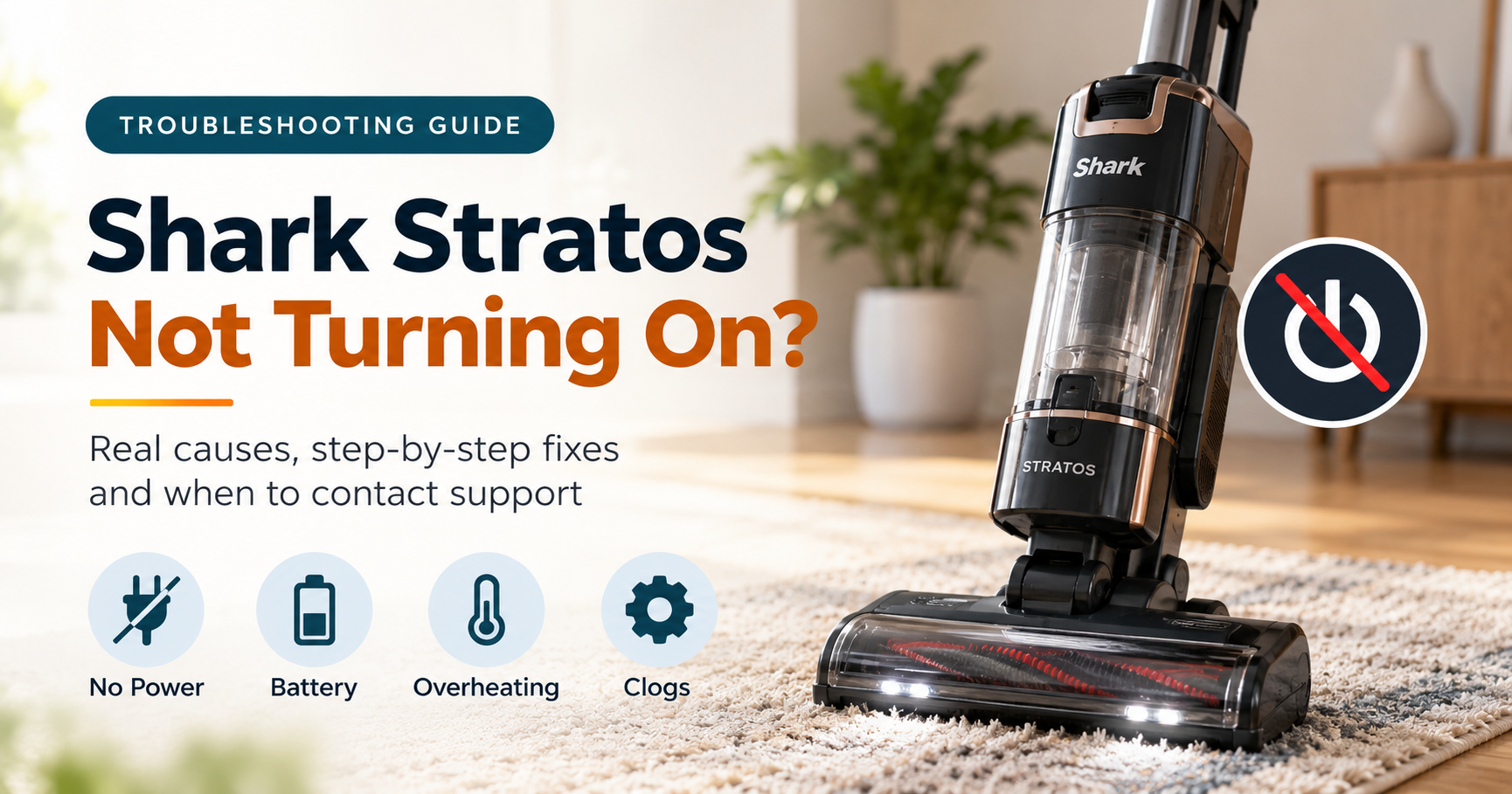

You press the power button on your Shark Stratos and nothing happens. No motor sound, no suction, sometimes not even a light. It is one of the most frustrating moments in household cleaning, especially when the floor is already covered in crumbs and pet hair.
The good news is that a Shark Stratos that will not turn on is rarely a dead vacuum. In most cases the cause is something simple: a battery that is not seated properly, a charger problem, a safety shutoff triggered by a clog, or a small electronic glitch that a reset can clear. This guide walks you through every common cause and fix, in the order that saves you the most time.
Quick Answer
If your Shark Stratos is not turning on, work through these checks in order:
- Test the wall outlet and charger with another device.
- Remove and firmly reseat the battery (if your model has a removable one).
- Charge it for at least four to six hours without interruption.
- Empty the dust cup and clear any blockage in the wand, hose and brushroll.
- Let the vacuum cool for about an hour in case the thermal protection has shut it down.
- Do a soft reset by disconnecting power for ten minutes.
If none of these work, the battery, motor or switch may need service under warranty.
Know Your Shark Stratos Type First
The name “Stratos” is used across more than one Shark design, so the exact fix depends on which one you own. Broadly, there are two types:
- Cordless stick models: These run on a rechargeable lithium-ion battery pack. Problems usually involve the battery, the charger, or the safety system that stops the motor.
- Corded upright models: These plug directly into the wall. Problems usually involve the power cord, the outlet, the on/off switch, or the thermal cutoff that protects the motor from overheating.
Your model number is printed on the rating label, usually on the body or the base of the dust cup. Keep it handy, because it helps when you contact customer support or order replacement parts. Everything below applies to both types unless stated otherwise.

Why a Shark Stratos Stops Turning On
Modern vacuums are not just a motor and a switch. They include control boards, battery management circuits and temperature sensors. If any one of these detects a problem, the vacuum may refuse to start in order to protect itself and you. The most common reasons are:
- No power reaching the vacuum, from a bad outlet, damaged cord or faulty charger.
- A battery that is deeply discharged, loose in its slot, or worn out with age.
- Thermal protection that has cut the motor because of overheating.
- A blocked airflow path that overworks the motor.
- A jammed brushroll that triggers a safety stop.
- A temporary electronic glitch.
- Physical damage or internal wear, such as a failed switch or motor.

Fix 1: Check the Power Source and Charger
It sounds obvious, but a surprising number of “dead” vacuums turn out to have a power supply issue.
For cordless models
- Plug the charger into a different wall outlet. Test the original outlet with a lamp or phone charger to confirm it works.
- Avoid power strips and extension cords while troubleshooting, because they add one more thing that can fail.
- Look at the charging indicator on the vacuum or dock. If it never lights up, the charger, cable or charging contacts may be at fault.
- Inspect the charger cable and plug for kinks, cuts, bent pins or burn marks. Stop using any charger that looks damaged.
- Wipe the metal charging contacts on both the vacuum and the dock with a dry, lint-free cloth. Dust and residue can block the connection.
For corded models
- Plug the vacuum into another outlet you know works. Check whether a circuit breaker has tripped.
- Run your fingers along the full length of the cord to feel for cuts, flat spots or exposed wire. A damaged cord is a safety hazard and should be replaced, not taped.
- Make sure the plug sits fully in the outlet and the cord is properly seated where it enters the vacuum, if the cord is detachable.
Fix 2: Reseat and Fully Charge the Battery
On cordless Stratos models, a battery that is slightly out of position can look exactly like a dead vacuum.
- Turn the vacuum off and, if your model has a removable battery, release it using the latch or button.
- Check the battery contacts and the slot for dirt, moisture or bent metal tabs.
- Push the battery back in firmly until you hear or feel a click.
- Place the vacuum or battery on the charger and leave it uninterrupted for at least four to six hours, or until the indicator shows a full charge.
- Try the power button again after charging.
If the battery has been sitting unused and fully drained for months, it may need a longer charge to wake up. Lithium-ion batteries can enter a protective low-voltage state when they are left empty for a long time, and some will not accept a charge again at all.
Fix 3: Perform a Soft Reset
Electronics sometimes freeze in an error state. A soft reset forces the control board to restart and often brings a stubborn vacuum back to life. It costs nothing and takes about ten minutes.

- Power off: Press the power button to make sure the vacuum is off.
- Disconnect: Unplug it from the charger or wall outlet. Remove the battery if it is removable.
- Wait ten minutes: This lets stored charge in the electronics drain away and any heat dissipate.
- Reconnect: Reinstall the battery, connect to power, and press the power button.
Fix 4: Let an Overheated Vacuum Cool Down
Shark vacuums include thermal protection that shuts the motor off when it gets too hot. This feature exists to prevent damage and fire risk, so it is a good sign that the safety system is working. Overheating usually happens when:
- The dust cup is full or packed too tightly.
- The filters are clogged with fine dust.
- A blockage restricts airflow through the wand, hose or brush head.
- The vacuum has been running continuously on its highest setting for a long period.
If your vacuum shut off during cleaning and now will not restart, switch it off, disconnect it from power, and let it rest for about an hour. While it cools, work through the blockage checks in the next section. If it restarts after cooling, the root cause is almost certainly airflow, and clearing it will prevent the shutoffs from returning.
Fix 5: Empty the Dust Cup and Clear Blockages
A clog is one of the top reasons a Shark appears to die in the middle of a cleaning session. Restricted airflow makes the motor strain, and the protection system cuts power.

Step-by-step blockage check
- Power the vacuum off and disconnect it from the charger or wall.
- Empty the dust cup completely, including fine dust stuck around the edges.
- Remove the wand, hose and any attachments. Look through each part toward a light source to spot a blockage.
- Use a long, soft tool such as a wooden spoon handle to dislodge compacted debris. Do not use sharp metal objects that could scratch or puncture the hose.
- Check the opening where the wand meets the body, as socks, paper and pet hair often lodge there.
- Reassemble everything and test.
Clean the filters
Most Shark Stratos models use a pre-motor foam filter and a felt filter, and some also use a HEPA filter after the motor. Check your manual to see which apply to you.
- Tap loose dust out first.
- If the filter is washable, rinse it under cool running water only, with no soap or detergent.
- Squeeze out the water and let it air dry for a full 24 hours. Never put a damp filter back in the vacuum, since moisture can damage the motor and cause bad smells.
- Replace filters that are torn, stained beyond cleaning, or more than a year old.
Fix 6: Free a Jammed Brushroll
Hair, string and carpet fibres wrap tightly around the brushroll and can lock it in place. Some vacuums stop completely when the roller cannot spin, and others cut the brush motor while the main motor keeps running.
- Turn the vacuum off and disconnect power before touching the brush head.
- Turn the head over and look for wrapped hair at both ends of the roller.
- Cut the tangles with scissors or a seam ripper and pull them out. Remove the roller if your model allows it, so you can clean the end caps.
- Spin the roller by hand. It should turn smoothly with only slight resistance.
Fix 7: Inspect the Power Button and Switches
A sticky or worn power button can fail to register a press. Check for crumbs, residue or moisture around the button. Press it several times firmly and listen for a click. On some models, a safety switch on the dust cup or wand must be fully engaged before the motor will run, so remove and reattach the dust cup and wand, making sure each clicks into place.
Fix 8: Check for Moisture or Physical Damage
If the vacuum was dropped, got wet, or picked up liquid, the electronics may be affected. Disconnect power straight away and let the unit dry completely in a warm, ventilated spot for at least 24 to 48 hours. Do not try to dry the battery or electronics with a hairdryer or heat source, and do not turn the vacuum on while it is still damp.
Fix 9: Consider a Worn-Out Battery or Failed Part
If the vacuum still will not respond after every step above, an internal part is probably worn out or faulty. Typical signs include:
- The battery runtime has been getting shorter for months before it stopped working altogether.
- The battery gets unusually hot, smells strange, or looks swollen. Stop using it immediately and do not charge it.
- The charger light behaves oddly, such as blinking or never turning on, even with a known good outlet.
- The motor makes a grinding, clicking or burning smell when it tries to start.
Never open the battery pack or attempt to repair the internal electronics yourself. Lithium-ion batteries can be dangerous when damaged. A replacement battery or professional repair is the safe route.
Quick Reference: Symptom, Likely Cause and Fix
| Symptom | Likely Cause | What to Do |
|---|---|---|
| Completely dead, no lights | No power, loose or drained battery, faulty charger | Test the outlet, reseat the battery, charge fully, try a soft reset |
| Lights flash but motor will not start | Blockage, full dust cup, overheating or battery fault | Clear clogs, clean filters, let it cool, check your manual’s light guide |
| Starts then shuts off quickly | Thermal protection or weak battery | Clean filters and airflow path, cool down, test with a full charge |
| Motor runs but brushroll will not spin | Hair wrap or jammed roller | Remove tangles, spin the roller by hand |
| Works only when wiggling the cord or battery | Loose connection or damaged cord | Stop using it and arrange a repair or replacement part |
| Burning smell or visible damage | Serious electrical or battery fault | Unplug, stop using it and contact support |
A Note About Flashing Lights
Many Shark vacuums use flashing indicator lights to report what is wrong, for example a blockage, an overheated battery or a charging fault. The meaning of each colour and pattern varies between models, so use the light guide in your owner’s manual rather than relying on a generic chart. If you no longer have the paper manual, search for your exact model number to find the digital copy. Note the light colour and flash pattern before you contact support, since it helps them diagnose the problem faster.
How to Stop It From Happening Again
Most no-power problems build up slowly. A few small habits keep a Shark Stratos running reliably for years.
- Empty the dust cup after every use, or at the latest when debris reaches the maximum fill line.
- Clean washable filters about once a month and always dry them completely before refitting.
- Cut hair off the brushroll every week or two, more often in homes with long hair or pets.
- Do not let the battery sit empty for long periods. If you will not use the vacuum for weeks, store it with a partial charge in a cool, dry room.
- Avoid extreme temperatures. Do not leave a cordless vacuum in a hot car, garage or in direct sun, and do not charge it on a heater or in freezing conditions.
- Use the correct charger. Poor quality or mismatched chargers can damage the battery over time.
- Do not vacuum liquids, fine construction dust or ashes unless your model is designed for it.
- Give it breaks. If you are cleaning a large home, pause now and then so the motor and battery can cool.
When to Contact Shark Support or a Repair Technician
It is time to stop troubleshooting and ask for help if:
- You have completed every fix in this guide and the vacuum still will not start.
- The battery is swollen, leaking, extremely hot or smells like burning.
- The cord or charger is visibly damaged.
- The vacuum is still within its warranty period.
Before you reach out, collect your model number, proof of purchase, and a short description of what the vacuum does when you press the power button, including any light patterns. Warranty length and what it covers differ by model and country, so check your paperwork or the registration details for your specific unit. Using only genuine replacement batteries, chargers and filters also helps protect your coverage and keeps the vacuum safe.
Repair or Replace?
If your Stratos is fairly new, a replacement battery or part is almost always cheaper than buying a new vacuum. If it is several years old, the motor is noisy or weak, and the battery barely holds a charge, the combined cost of repairs may approach the price of a new machine. In that case, replacing it can make more sense. Compare the quote for the repair with the cost of a comparable new vacuum, and weigh how much life the rest of the machine has left.
Frequently Asked Questions
Why is my Shark Stratos not turning on even though it is fully charged?
A full charge only means the battery has power. The vacuum may still refuse to start because of a blockage, an overheated motor, a loose battery connection, a dust cup or wand that is not fully clicked in, or a control board glitch. Try the soft reset, clear every blockage, and reseat all removable parts.
How long should I charge a Shark Stratos before using it?
Plan on roughly four to six hours for a full charge from empty on most cordless models, although the exact time depends on your battery. Check your manual for the figure that applies to your unit. Leaving it on the charger a little longer is generally fine, because the charging system is designed to stop when the battery is full.
Can I reset a Shark Stratos?
Yes. Switch it off, disconnect it from power, remove the battery if it is removable, wait around ten minutes, then reconnect and try again. This clears many temporary electronic faults.
Why does my Shark Stratos turn on and then off right away?
The most common reasons are a blockage or dirty filter triggering thermal protection, a weak or ageing battery that cannot deliver enough power, and a jammed brushroll. Clean the filters, clear the airflow path, free the roller, and test again after a full charge.
How long does a Shark Stratos battery last?
Lithium-ion batteries gradually lose capacity with use. Many owners notice reduced runtime after a few years, depending on how often the vacuum is used, the power mode, and how the battery is stored and charged. Good habits such as avoiding heat and not leaving it fully drained can extend its life.
Is it safe to keep charging a Shark Stratos that will not turn on?
Charging is safe as long as the battery and charger look normal and stay cool. If the battery or charger becomes very hot, smells odd, looks swollen or shows damage, unplug it and stop using it.
Can I replace the battery myself?
If your model has a removable battery, you can swap in a genuine replacement without tools. If the battery is built in, or the problem looks like internal electronics, leave the repair to Shark or a qualified technician.
Final Thoughts
A Shark Stratos that will not turn on is usually fixable with a few minutes of patient checking. Start with the easy wins: confirm the power source, reseat and charge the battery, clear blockages, and let the machine cool. Then try a soft reset. Only when those steps fail should you suspect a worn battery or failed component, and that is the point to contact support rather than risk further damage.
Keeping the dust cup empty, filters clean and brushroll free of hair will prevent most of these problems before they begin, and a little care with the battery will keep a cordless Stratos working at its best for years.